
How a Conversation Becomes AI-Generated Meeting Minutes
On this page
- How automatic meeting minutes come together
- The stages at a glance
- Why the steps depend on each other
- Local or in the cloud
- How does the audio get into processing?
- System audio instead of a bot
- Why audio quality matters
- How accurate is automatic transcription in German?
- German in comparison
- Jargon and dialect
- Does the AI recognize who spoke?
- How assignment is measured
- When it works reliably and when it doesn't
- From speaker 1 to a name
- How does a transcript become minutes?
- Summary and tasks
- How quality gets checked
- What else can AI-generated minutes do?
- Finding everything again without listening back
- Tasks that move on by themselves
- What else ends up in the minutes and what happens next
- What makes the processing GDPR compliant?
- Who processes the data
- Consent from participants
- Frequently asked questions
- Sources
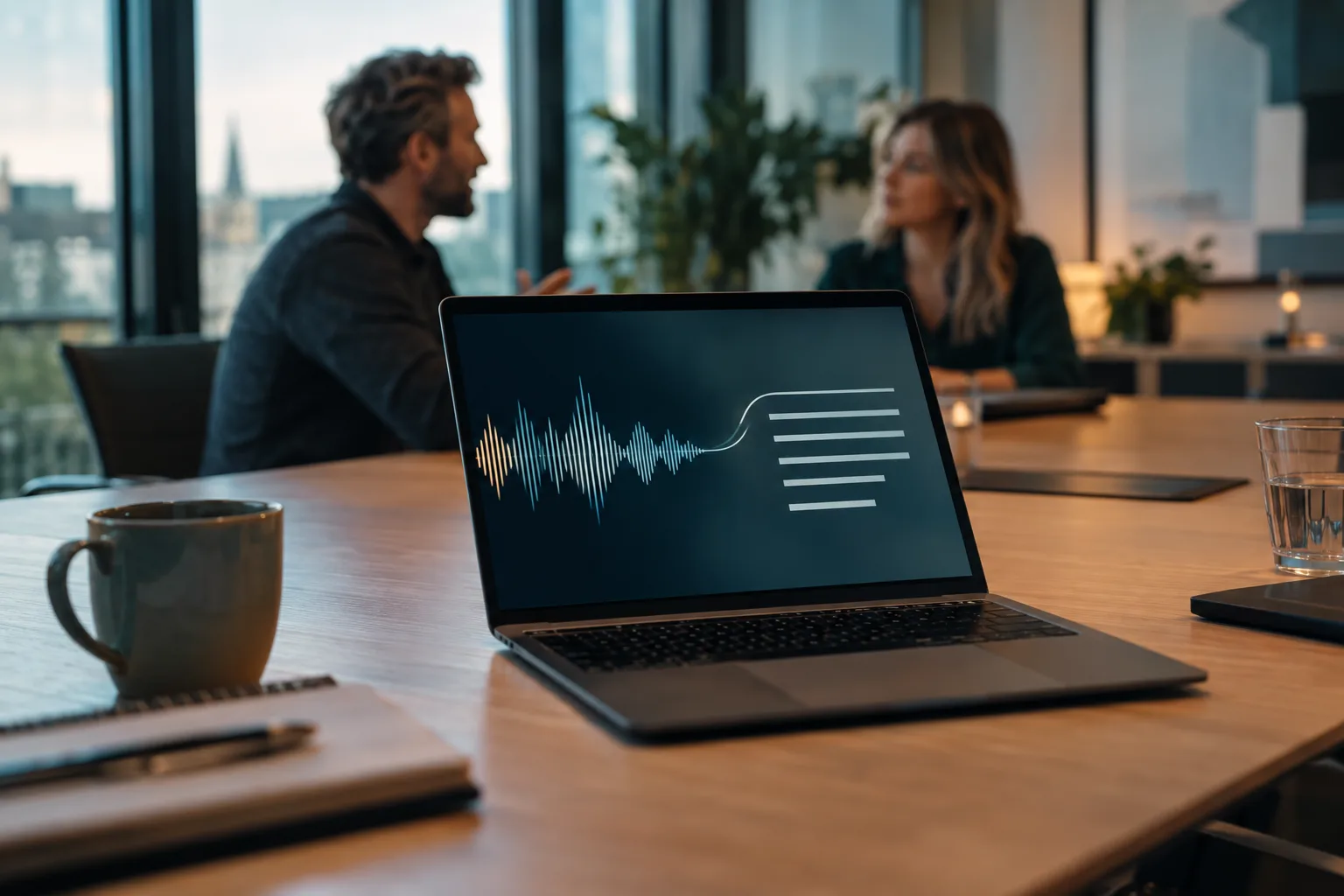
The meeting ends at 3 pm. Two minutes later, the minutes are in your inbox, with a summary, three decisions, and five tasks with owners attached. Nobody took notes. To many, that looks like a black box, and a black box is an uncomfortable foundation for documentation. Yet the process is easy to follow. Several steps run one after another, each with its own job, and knowing them tells you what the technology reliably delivers.
How automatic meeting minutes come together
Among German companies that use AI, 47 percent already used speech recognition technologies in 2024 (destatis.de). That makes the use case more common than automatic text generation. The topic has also reached the executive floor: 69 percent of 653 decision-makers surveyed across 18 industries already have an AI strategy in place, and 72 percent plan higher investment (kpmg.com). The circle is growing fast: in May 2026, 54.5 percent of German companies used AI, up from 40.9 percent a year earlier (ifo.de). Yet hardly any product page describes what actually happens after you click "stop recording."
The stages at a glance
First, the conversation is captured as an audio file. Then automatic transcription turns the audio track into text. The result is called a transcript, a verbatim record of everything said, without any selection or structure. After that, a second step assigns the text passages to the individual speakers. Only then does a language model turn all of it into a summary, a list of decisions, and a task list. A language model is the same kind of technology that powers chatbots; here it receives the transcript text and the job of organizing it. At the end, a human signs off.
Why the steps depend on each other
Every step works with the result of the previous one. The language model at the end never heard the conversation; it only reads the text produced by the automatic transcription. That is why a good recording carries through to the finished document and matters more than any later correction.
Local or in the cloud
The second difference is not about the stages, it is about where they run. With a cloud solution, the audio track travels over the internet to the provider's servers and comes back as a result; you don't need strong hardware, but you hand the recording over to someone else. With a local solution, every step runs on your own computer, the conversation never leaves the device, and modern office computers can now handle the computing load themselves. Functionally, the outcome is similar, but for GDPR-compliant transcription the difference is decisive, and which of the three approaches to AI in meetings sits behind a tool shapes that too. This question of location comes back at the end. First, what actually goes into the chain matters.
| Step | What matters |
|---|---|
| 1. Recording | background noise and echo |
| 2. Transcript | roughly one wrong word in twenty |
| 3. Who said what | strongly dependent on the microphone setup |
| 4. Summary | tends to leave points out rather than invent them |
| 5. Human sign-off | final check before sending |
Source: Own systematization based on the benchmarks cited in this article.
How does the audio get into processing?
For most meetings, this step is uncritical. In Europe, 25 percent of meetings are hybrid and 21 percent are fully online (digitaleneuordnung.de), and there, each person already speaks into their own device, the best possible starting point without any extra equipment. It only gets more demanding when several people sit in one room and share a microphone.
System audio instead of a bot
There are two ways to do this. Either the software taps the operating system's audio stream, meaning everything running through speakers and microphone, or an additional participant joins the video call to record it. The first way works independently of the conferencing software and also covers phone calls and in-person meetings. Jexity Meet uses this approach and cancels out the echo that occurs when the microphone picks up the voices coming out of your own speakers a second time. For a recording that already exists, say from a dictation device, this step is skipped and processing goes straight to the transcript.
Why audio quality matters
Speech recognition works best when every voice arrives clean and separate, which happens automatically in online and hybrid meetings. If a larger group sits around one device in the middle of the table, several voices arrive from different distances, along with reverberation and background noise, and a second microphone is often enough to fix it. There is also a rarely mentioned step. Before a single word is recognized, the system decides which sections of the audio track contain speech and which are just noise or silence. Whatever gets misjudged at this segmentation stage carries through as an error into the next stages. Which recording method you choose is therefore a decision about the quality of the minutes. How well the next stage handles that can be measured surprisingly precisely.

How accurate is automatic transcription in German?
Better than most skeptics expect. German is one of the best-measured languages, and the numbers are publicly verifiable rather than coming from vendor promises.
German in comparison
Quality is measured with the word error rate, which adds up omitted, inserted, and misrecognized words and divides that by the total number of spoken words. Five percent means that in a sentence of twenty words, statistically one is wrong. A public comparison measured more than 60 speech recognition systems on the same test data. The five best score between 4.50 and 5.36 percent word error rate on German (arxiv.org), so less than one percentage point separates the best from the fifth-best. Which system sits inside your software therefore decides the outcome less than how cleanly you record.
Jargon and dialect
Three things stay tricky. Proper names and internal abbreviations that appear in no dictionary the systems were trained on. Strong dialect, since measurement uses standard German. And switching languages mid-sentence, where it matters whether the system handles multiple languages or is locked to German. As reliable as word recognition has become, the next step depends heavily on the situation.
Does the AI recognize who spoke?
The technical term for this is diarization. It answers the question of which passage of text came from which person. Of all the steps, this one depends most on the recording situation, so it is worth knowing when it works reliably and when it needs help.
How assignment is measured
There is a metric for this too, made up of three error types: missed speech, noise wrongly counted as speech, and passages assigned to the wrong person (ldc.upenn.edu). Unlike the word error rate, results here vary widely because they depend heavily on the recording.
When it works reliably and when it doesn't
If every person sits at their own device, assignment is usually clean. It gets harder when a larger group sits in one room and a single microphone picks up everything. Exactly this situation was tested as an extreme case in a research competition, and there even the best system misassigned more than 45 percent of speaking time (ldc.upenn.edu). A comparison of five systems across thirteen recording collections confirms how strongly the result depends on the situation (isca-archive.org). In practice, that means online meetings are unproblematic, while a full meeting room deserves a second microphone.
From speaker 1 to a name
Assignment first delivers only anonymous labels. "Speaker 2" becomes "Ms. Berger" once someone assigns the names. Some systems suggest them from the conversation itself, for example when participants address each other by name. Confirmation stays with a human, because a commitment attributed to the wrong person is worse than an unattributed one.
How does a transcript become minutes?
Nobody reads the verbatim transcript voluntarily; an hour-long meeting quickly fills ten pages. Only the fourth step turns it into a usable document, and that is what decides how useful AI-generated meeting minutes actually are.
Summary and tasks
A language model receives the transcript and an instruction for what structure should come out of it. Three blocks are common: a summary of the discussion, a list of decisions, and a list of tasks with owners and deadlines. A model that is only told "summarize this" delivers running text instead of a structure you can file away. Good systems fix the outline in advance instead.
How quality gets checked
It is well known that a freely written summary does not always capture everything, and research is working on it. A study of 200 automatically generated meeting minutes sorted nine error types, including omitted points and content that does not belong. More importantly, it shows a way to fix that automatically. A second model checks the summary against the transcript, names the deviations, and has them corrected in a second pass, which measurably improves relevance, completeness, and clarity (aclanthology.org). This review loop is now built into many systems, without the user noticing.
What else can AI-generated minutes do?
The finished document is only part of what this process produces. Because audio, transcript, and timestamps are preserved, features become possible that a handwritten note could never offer. That pays off, because without repetition, up to 70 percent of new information is lost within 24 hours (pmc.ncbi.nlm.nih.gov).
Finding everything again without listening back
Every word of the transcript carries a timestamp. Anyone who wants to know how a decision came about searches for the term and jumps to the matching point in the recording. Across several meetings, this builds a searchable memory for the team. Some systems can even be asked directly, for example "What did we decide about the budget?", either for one meeting or across the whole collection. Research shows this is no gimmick: it now systematically studies such follow-up questions about past meetings as a task in its own right, alongside minute creation itself (arxiv.org).
Tasks that move on by themselves
Because the task list already exists in a structured form rather than as running text, owners and deadlines move straight from separate fields into a task tool. The break between minutes and execution that happens with the manual approach disappears.
What else ends up in the minutes and what happens next
Whatever was visible on a shared screen can be captured as an image, so the slide that was discussed sits in the right place and anyone reading later sees the numbers themselves. The minutes can be saved as a PDF or text file in the document store or company wiki. German and English are also processed even when mixed within the same meeting. Systems that work locally also function independently of the conferencing software, for video calls as well as phone calls or meeting rooms, and need no internet connection. Jexity Meet combines these building blocks locally by default in one application; other providers focus on their own strengths.
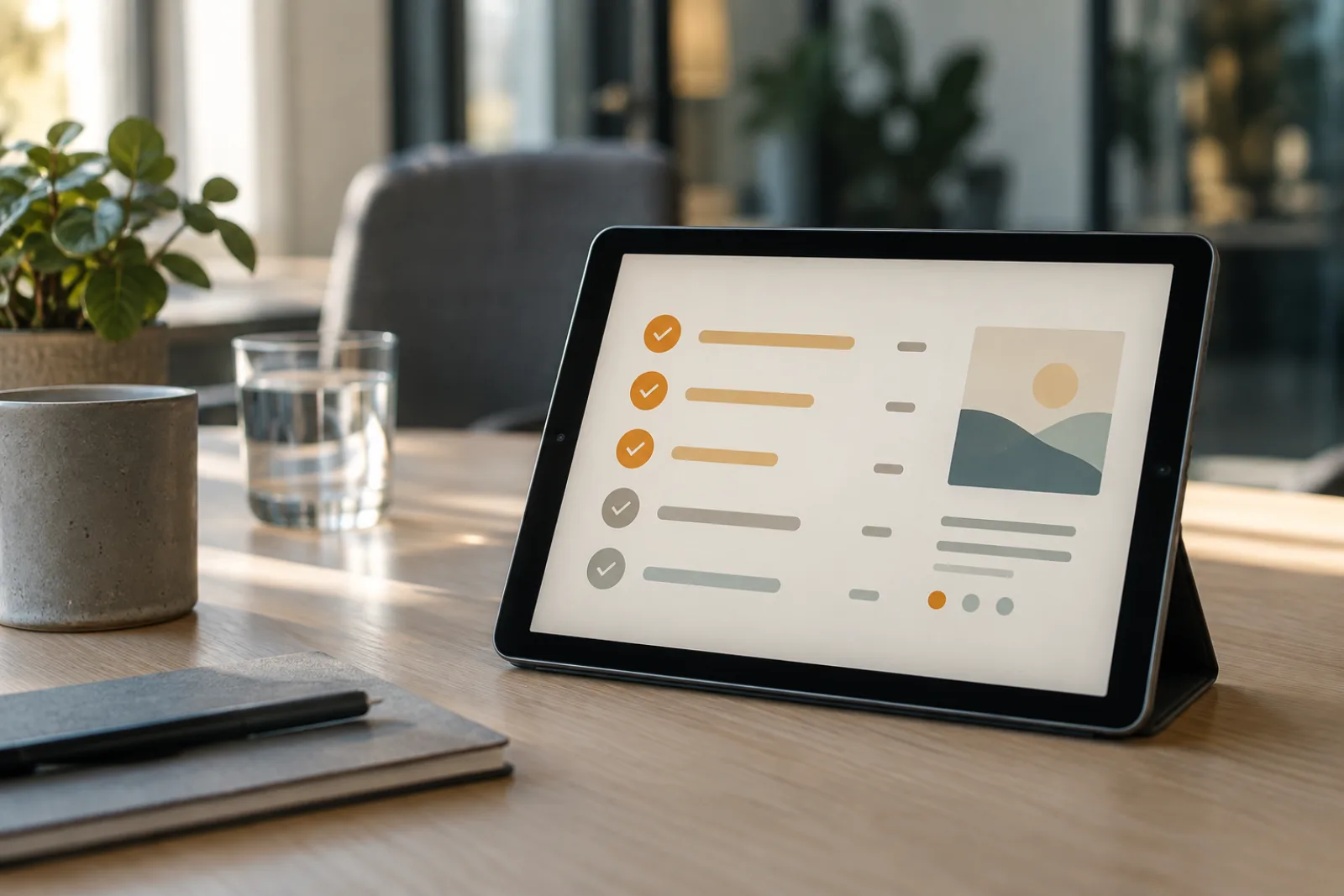
At the end of the day, the work shifts from typing to reading. One real-world model calculation goes from an hour and a half of follow-up work to around ten minutes, which adds up to roughly 67 hours saved a year across fifty meetings, or around 4,000 euros per person at an hourly rate of 60 euros (himmelblau-digital.de). That leaves the question left open at the start: where is this entire chain even allowed to run?
What makes the processing GDPR compliant?
The legal questions can be answered, but they are the point where most people hesitate. Among companies without AI, 18 percent have considered using it, and within that group, 58 percent cite unclear legal consequences and 53 percent cite data protection concerns (destatis.de).
Who processes the data
If the audio track leaves the company, a service provider processes your data on your behalf. The GDPR calls this processing on behalf of the controller and requires its own contract, a check of the server location, and a deletion deadline. If processing stays on the device, that whole block does not apply because no third party is involved, and GDPR-compliant transcription becomes considerably simpler. Jexity Meet is built for this case: it always runs automatic transcription, and by default the structuring as well, without sending anything to an external service. Where the finished minutes and recordings are then stored remains your company's decision, not the tool's.
Consent from participants
Where processing happens solves only half the problem. Recording someone's non-public spoken word without consent is a criminal offense under Section 201 of the German Criminal Code, no matter where the file is processed afterward (gesetze-im-internet.de). GDPR-compliant transcription therefore requires two things: a valid legal basis and the informed consent of everyone involved to being recorded. The legal requirements for recording apply unchanged.
Frequently asked questions
How accurate is automatic transcription in German?
On carefully selected test recordings, leading systems reach between 4.50 and 5.36 percent misrecognized words (arxiv.org), roughly one wrong word in twenty. In real meetings, the value is higher. That is good enough for summaries, but not for verbatim quotes.
Do I still need to edit AI-generated minutes afterward?
Usually, a quick look at the task list before sending is enough. Modern systems additionally have a second model check the summary against the transcript and revise it automatically (aclanthology.org). Expect around ten minutes per meeting.
Why is the speaker assignment sometimes wrong?
Because assignment depends heavily on the recording situation. With recordings made through a single room microphone instead of individual headsets, even the best system misassigned more than 45 percent of speaking time in a research competition (ldc.upenn.edu). Separate microphones help more than any software setting.
What do AI-generated minutes offer over handwritten notes?
Mainly completeness, searchability, and time. The transcript captures every word with a timestamp, tasks appear with owners and deadlines, and you can search the meeting afterward or ask it questions. One model calculation goes from an hour and a half of follow-up work to around ten minutes (himmelblau-digital.de).
Which meetings are unsuitable for automatic minutes?
Meetings where the exact wording matters legally, such as termination conversations, because an automatic transcript is not fit to quote until someone has checked it against the recording. The same applies to conversations where someone does not consent to being recorded, since without consent it is a criminal offense under Section 201 of the German Criminal Code (gesetze-im-internet.de).
Sources(12)
- destatis.deFederal Statistical Office (Destatis): One in five companies uses artificial intelligence (2024)
- arxiv.orgarXiv: Open ASR Leaderboard, word error rates compared (2025)
- pmc.ncbi.nlm.nih.govPMC: Study on forgetting new information without repetition
- himmelblau-digital.deHimmelblau Digital: AI meeting minutes, from ninety minutes to ten
- kpmg.comKPMG: Generative AI in the German Economy 2025 (2025)
- ifo.deifo Institute: More than half of companies in Germany use artificial intelligence (2026)
- digitaleneuordnung.deDigitale Neuordnung: Meeting numbers and statistics 2025
- ldc.upenn.eduLDC: The Third DIHARD Diarization Challenge (2021)
- isca-archive.orgISCA Archive: Comparison of speaker diarization systems, Interspeech 2025
- aclanthology.orgACL Anthology: What's Wrong? Refining Meeting Summaries with LLM Feedback (2025)
- arxiv.orgarXiv: Findings of the Third Automatic Minuting (AutoMin) Challenge (2025)
- gesetze-im-internet.deGesetze im Internet: Section 201 of the German Criminal Code, violation of the confidentiality of the spoken word
This article was created with AI assistance and editorially reviewed. Images are AI-generated.
Keep reading

AI Meeting Minutes or Manual Notes? Methods Compared
Handwriting, Word, video recording, real-time collaboration, or AI transcription? The best ways to take meeting minutes, compared objectively by time investment, accuracy, cost, and data privacy.
15 min read
AI Bot, Platform AI, and Standalone Tools Compared
The term AI for meetings hides three fundamentally different approaches. A bot in the video call, the built-in AI of Microsoft Teams, Zoom, or Google Meet, and a standalone tool like Jexity Meet on your own computer differ more in data handling, acceptance, and platform lock-in than most comparison articles suggest.
15 min read
Finding the Right AI Meeting Minutes Assistant
Three out of four professionals already use an AI note-taker, but adoption often fails because of privacy concerns, low acceptance, or the wrong expectations. Comparing bots, platform AI, and standalone tools reveals what really matters for privacy, cost, and acceptance.
15 min readTry it on your next meeting
Record or import one meeting and see the minutes it produces. No account and no credit card.