
Quote calculator
00:00–11:36The calculator was meant to be finished in this sprint.
- A new quote was created live.
- Saving fails from about twenty line items on.
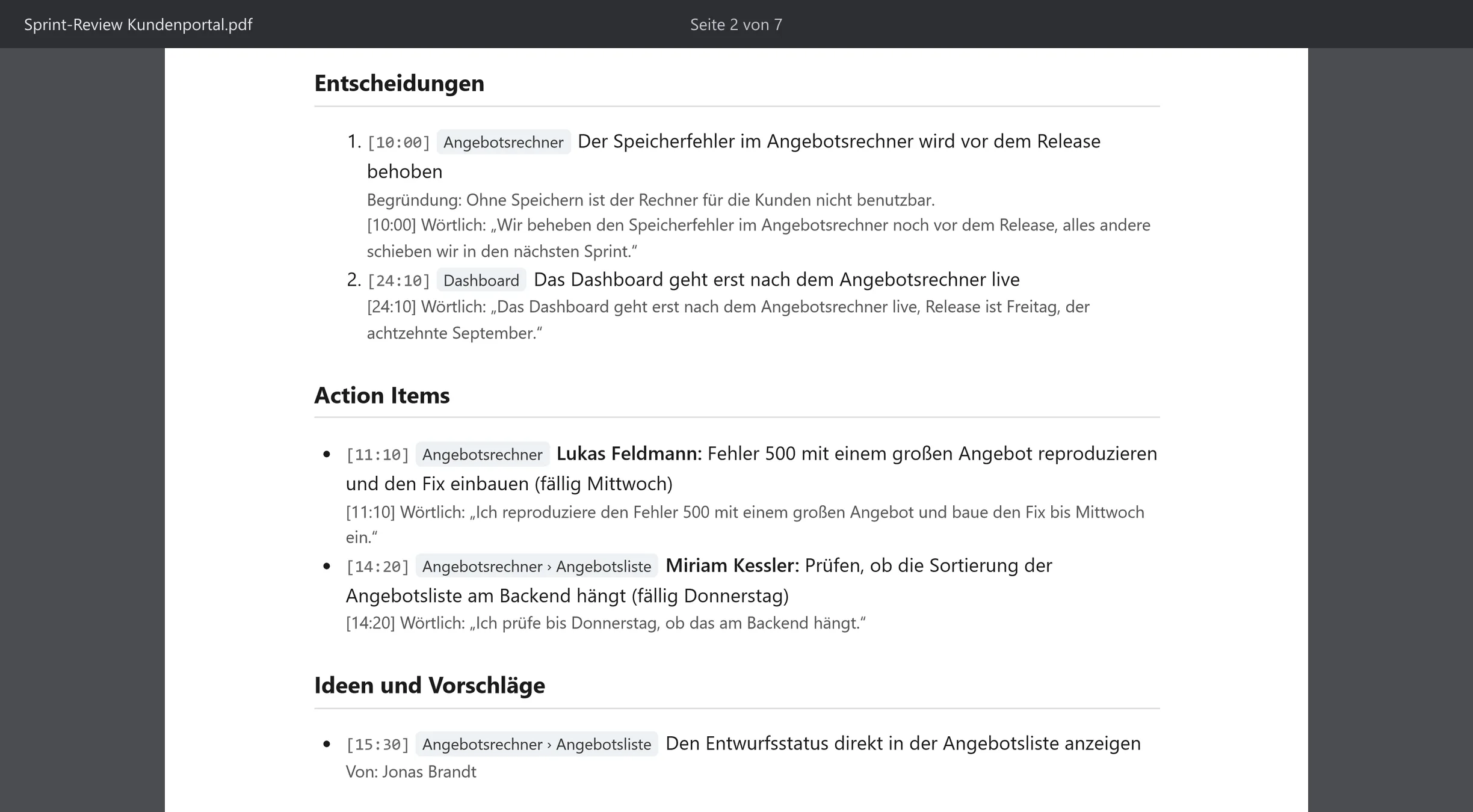
DecidedThe saving error is fixed before the release
Minutes leave the app in the format your team already uses.
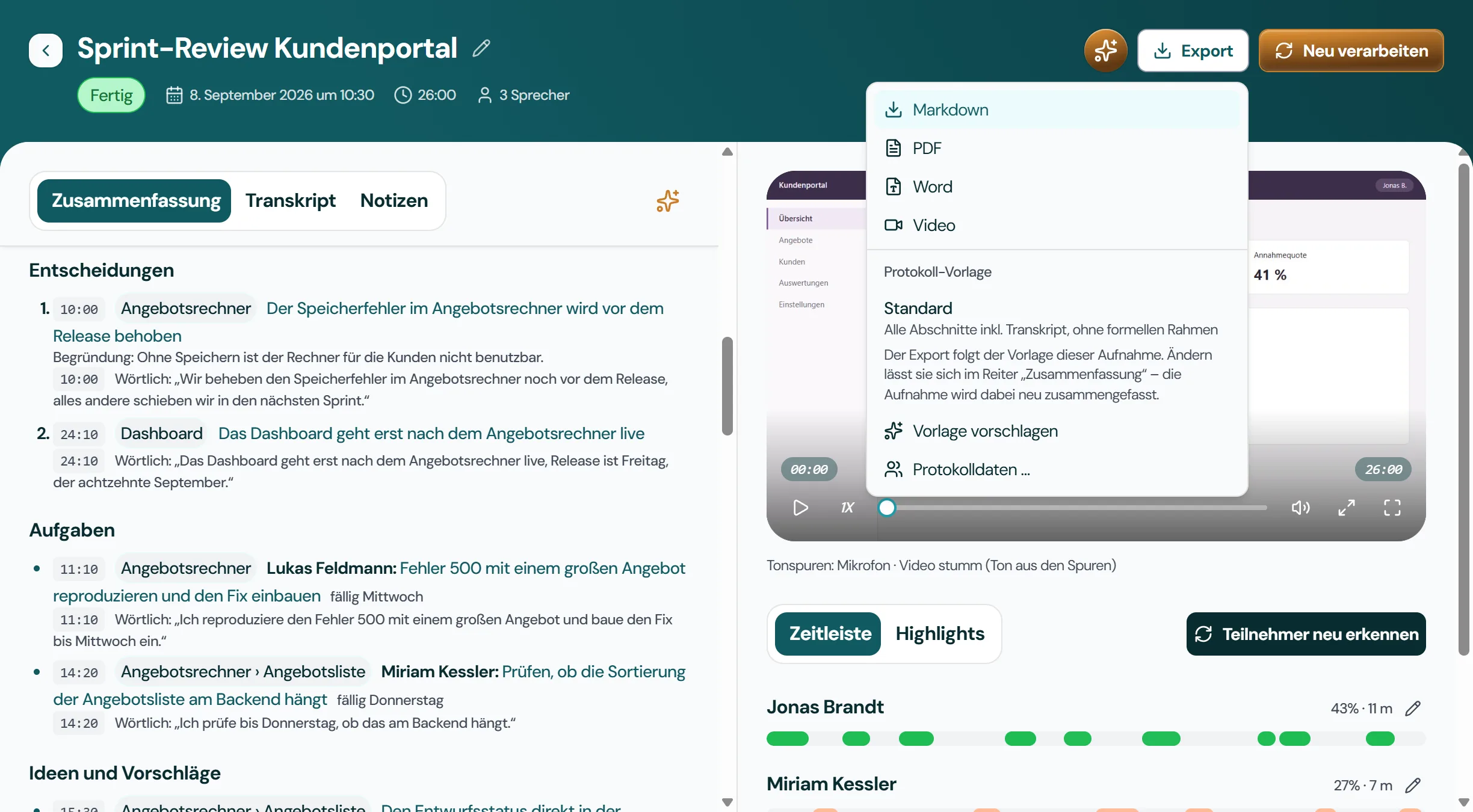
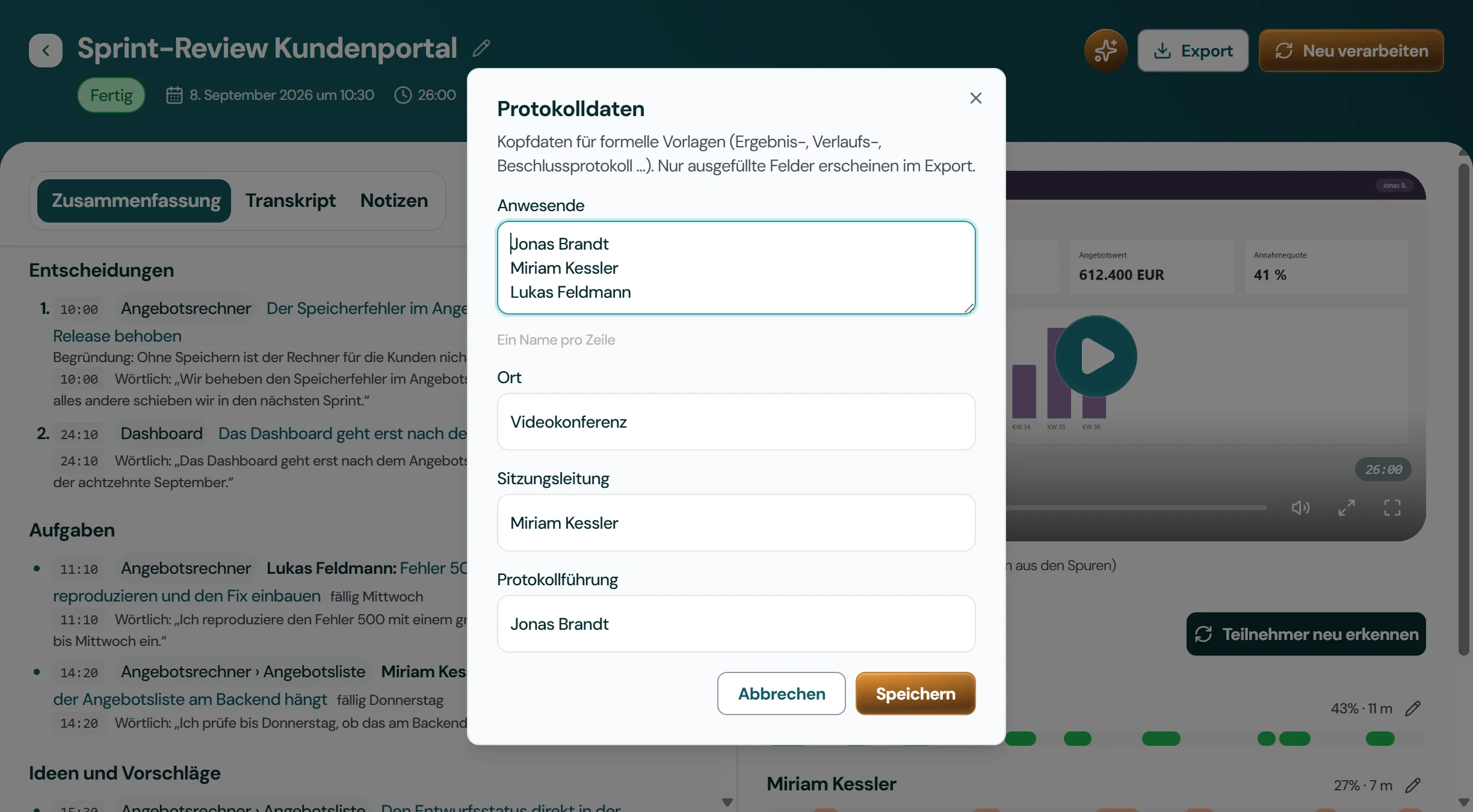
Nothing is locked in. Export minutes and transcript as PDF, Word (DOCX) or Markdown, and the recording as video. PDF and Word carry your letterhead, signature line and logo. The export renders exactly what is on screen, without another AI call.
The team walked through the sprint status of the customer portal. The quote calculator is finished apart from saving: from about twenty line items on it aborts with a server error, which will be fixed before the release. In the quote list, sorting and paging are wrong, and a draft cannot be told apart from a sent quote. The new dashboard was shown for the first time and goes live after the quote calculator. The saving error in the quote calculator is fixed before the release The dashboard goes live only after the quote calculator
Transcripts and minutes are stored encrypted on your device, protected via your operating system's keychain.
Jexity Meet can remind you when a call starts in a meeting app and offers to record. The title comes from your local calendar. Recording starts only after you confirm.
Understands German and English, even mixed within the same meeting, section by section. Technical terms and names can be edited right in the transcript.
Record or import one meeting and see the minutes it produces. No account and no credit card.
