
Chat with your meetings
Ask questions about a single meeting or your entire library, for example: "What did we decide about the budget?" The answer comes from your minutes, locally.
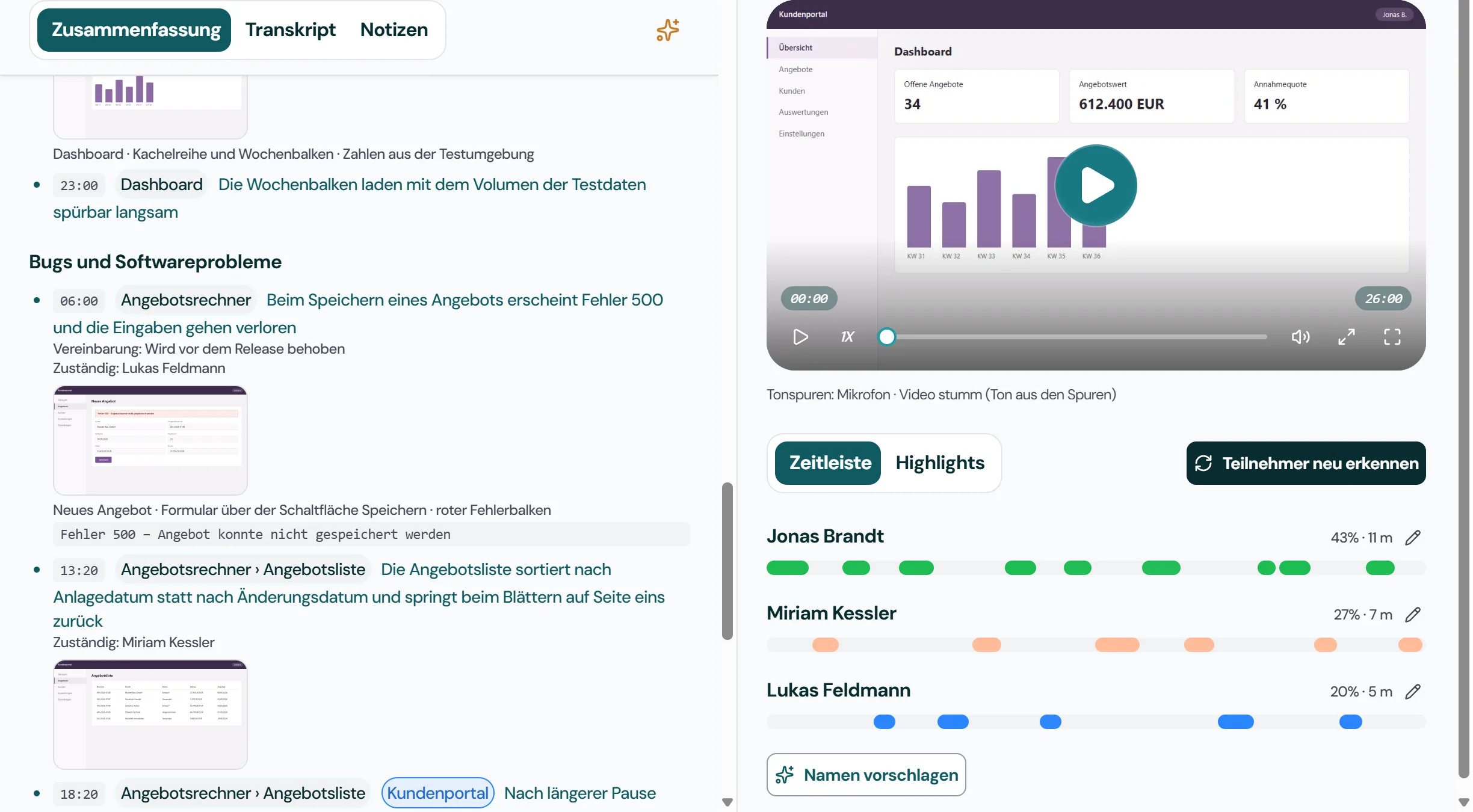
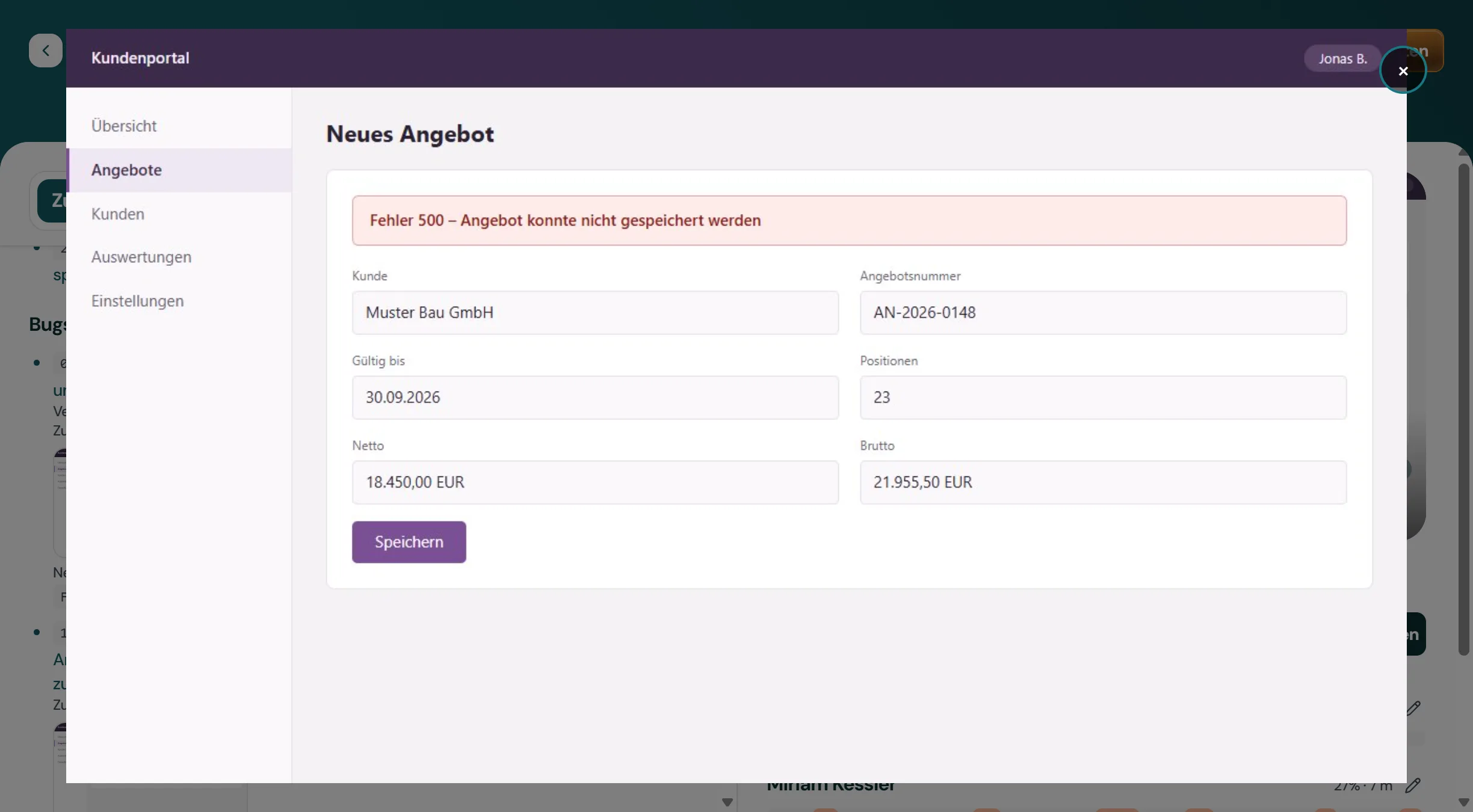
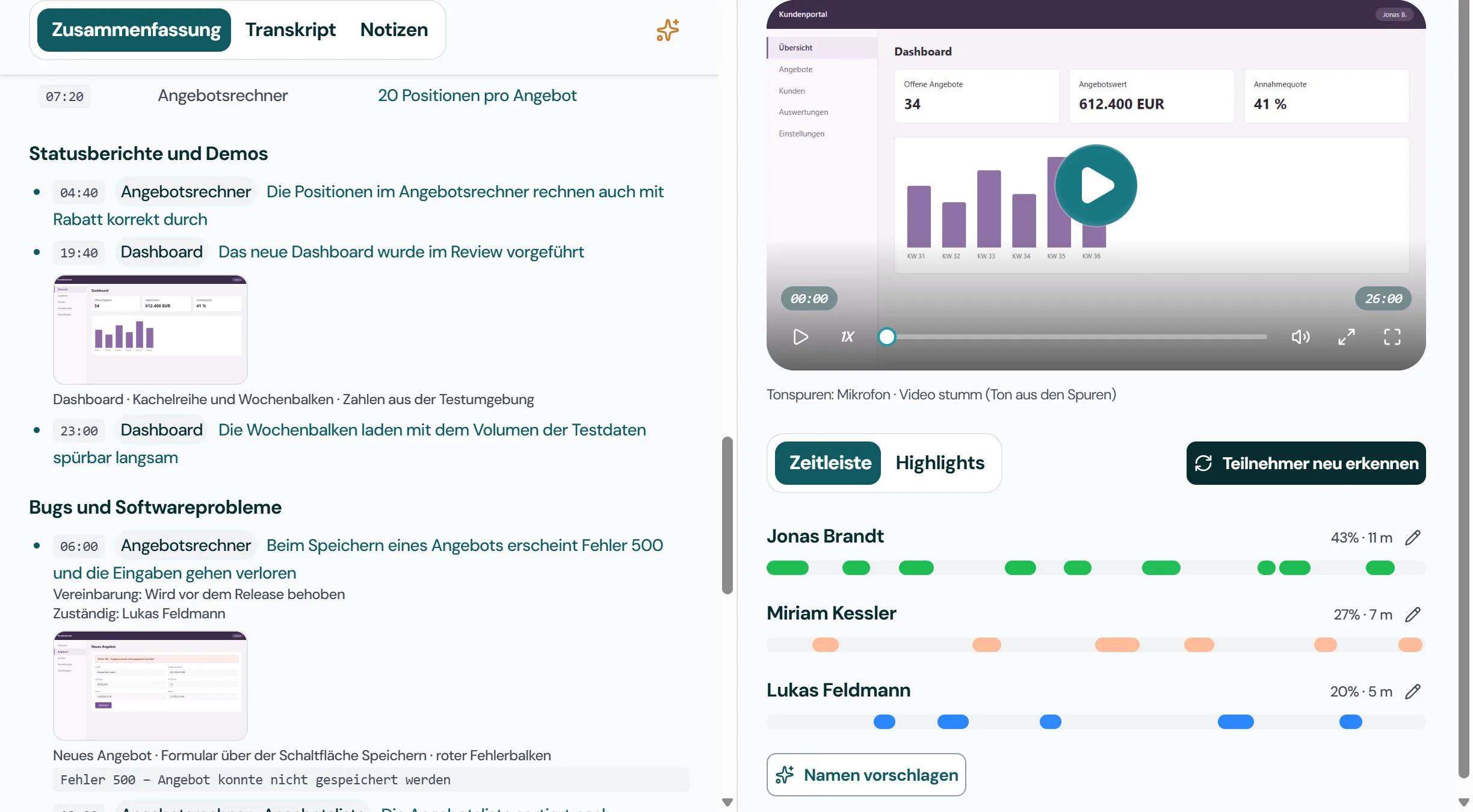
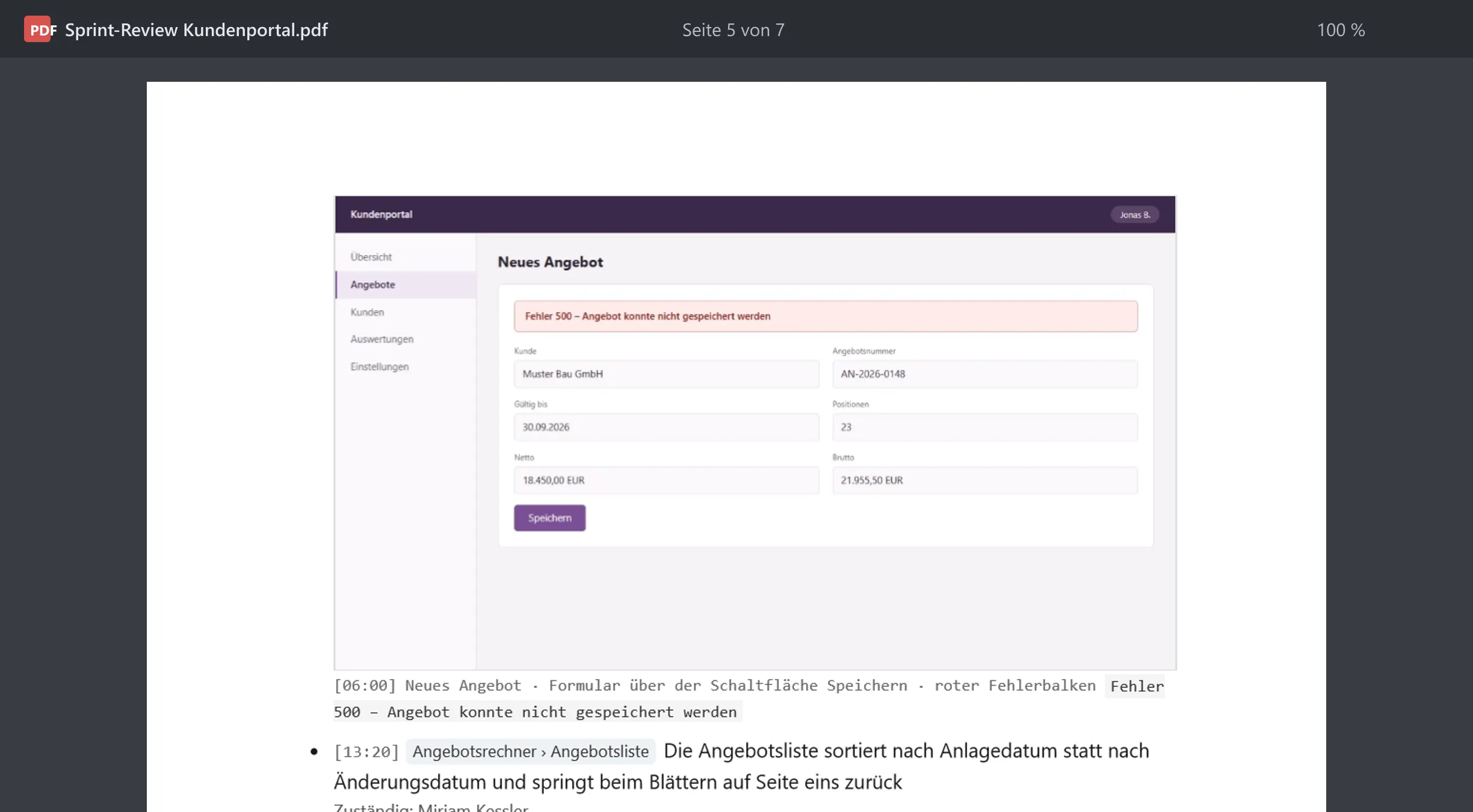
For meetings with a screen recording, Jexity Meet can add stills to the minutes. For bugs, ideas and demos shown on screen, a picture of the shared screen from around the time it was mentioned appears right under the entry. Blurred or blank frames are discarded; if no suitable one exists, the entry stays without a picture.
Ask questions about a single meeting or your entire library, for example: "What did we decide about the budget?" The answer comes from your minutes, locally.
Built-in echo cancellation separates your voice from the far end's speaker audio. Transcripts stay clean, even without a headset.
Minutes can be shared directly, filed into your document system or pasted into your wiki, visual minutes included.
Record or import one meeting and see the minutes it produces. No account and no credit card.