
Finding the Right AI Meeting Minutes Assistant

On this page
- Why are more and more companies using AI in meetings?
- What costs companies the most in meetings
- What results companies measure with AI assistants
- What approaches exist for AI meeting assistants?
- The meeting bot
- Platform AI
- The standalone AI
- The path from conversation to finished minutes
- From recording to structured document
- What determines quality
- What do you need to watch for on privacy and law?
- Consent and legal basis
- Works council and codetermination
- Cloud solution or local processing
- Cloud processing
- Local processing
- What do AI meeting assistants cost?
- What standalone AI tools cost
- Follow-up costs with platform AI and manual documentation
- How to roll out an AI meeting tool in your company
- Clarifying requirements and starting a pilot phase
- Avoiding shadow AI
- Frequently asked questions
- Sources
63% of German companies use artificial intelligence, but only 15% deploy AI transformatively (aboutamazon.de). For AI meeting assistants, this gap shows up especially clearly. Three out of four professionals already use an AI note-taker (fellow.ai), yet many rollouts fail because of privacy concerns, low acceptance, or platform limits. The technical approach, the processing location, and the rollout process decide whether AI meeting minutes deliver value or create problems. The market increasingly talks about meeting intelligence, meaning the systematic analysis of meeting content by AI.
Why are more and more companies using AI in meetings?
Professionals spend an average of 31 hours a month in meetings they themselves rate as unproductive (digital-chiefs.de). At the same time, 49% of all meetings are not documented at all (buero-kaizen.de). Undocumented decisions are nearly worthless because they are neither traceable nor enforceable. 52% of participants lose focus within the first 30 minutes (flowtrace.co), which shows how much conversation content quietly disappears when nobody is taking notes.
What costs companies the most in meetings
The lost hours are only one side of it. Behind them sit several cost drivers that never show up in any meeting statistic. The person taking minutes is tied up for the entire meeting and can neither focus on the conversation nor get other work done. In 55% of cases, a meeting lasts an hour simply because the calendar dictates it, not because the topic requires it (controllerakademie.de). These unnecessarily long meetings create correspondingly more follow-up, more effort for minutes, and more lost time for everyone involved. Without written documentation, people forget on average 70% of new information within 24 hours (openstax.org). And when colleagues have to ask what exactly was agreed, duplicate work results, which adds up to significant costs for recurring meetings.
What results companies measure with AI assistants
AI-supported meeting minutes bring four measurable benefits. They work more objectively, because no selective perception distorts the documentation. They are more accurate, because the transcription software captures every spoken word instead of only the points that seemed important to the person taking notes. They are faster, because the AI can write the minutes and follow-up shrinks to a review of the automatically generated document. And they are more cost-efficient, because the time saved can be measured directly in euros. 62% of respondents in a Laxis survey save around four hours per week with AI meeting assistants (laxis.com). Projected over a year, that equals roughly a month of recovered working time per employee. And the more meetings a company holds, the greater the follow-up work and the more the savings matter. A dedicated article on the cost of AI meeting tools answers how to put a euro figure on the savings.
What approaches exist for AI meeting assistants?
75% of professionals already use an AI note-taker in meetings, according to a Fellow.ai survey (fellow.ai). Gartner predicts that by the end of 2026, around 40% of all enterprise applications will feature task-specific AI agents (gartner.com). But the tools these users rely on work in fundamentally different ways. The comparison of minutes methods shows how AI minutes differ from manual note-taking and video recording.
The meeting bot
An AI bot joins the video call as an independent participant, records audio and sometimes video, and then delivers AI meeting minutes to the cloud. The advantage is easy setup, nobody has to install software. The disadvantages, however, weigh heavily. 84% of respondents say they change how they speak when an AI recording is running (laxis.com). Controversial opinions and open criticism get voiced less often. External participants often react negatively, because the bot joins the call without their prior consent. All recorded data ends up on the provider's cloud servers, which raises the entire privacy burden. The bot only works within its own conferencing platform, phone calls and in-person meetings are left out, and administrators can block the bot at any time.
Platform AI
Zoom, Microsoft Teams, and Google Meet have built in their own AI features, which run in the background and process everything fully on the provider's cloud servers. The advantage is direct integration into the existing environment. The disadvantages concern platform lock-in and data sovereignty. Anyone using Teams and Zoom in parallel needs two separate AI subscriptions and ends up with two separate meeting archives. Phone calls and in-person meetings are left out. All audio data is processed in the cloud, US providers are subject to the Cloud Act, and the structural conflict between GDPR and US law cannot be resolved contractually (netfiles.com). The article on secure video conferencing despite the Cloud Act explains why this is especially risky for European companies.
The standalone AI
Standalone AI meeting assistants like Jexity Meet capture audio through the computer's microphone and system audio, regardless of whether a Zoom call, a phone call, or an in-person conversation is running. A one-time installation on the computer is required at the start. After that, the software runs in the background, and no participant sees an extra name in the participant list. Processing can happen fully locally by default, so audio data never has to leave the computer. The result is structured AI meeting minutes with a summary, decisions, tasks, and speaker attribution, real meeting intelligence in other words. All meetings end up in a single searchable library, independent of the conferencing platform. A dedicated article on bots, platform AI, and standalone tools compares how the three approaches differ in visibility, data handling, and cost.
The path from conversation to finished minutes
69% of decision-makers KPMG surveyed across 18 industries have an AI strategy, and 72% plan higher investments (kpmg.com). The willingness is there, but anyone who does not understand what meeting intelligence actually involves struggles to evaluate the technology. What actually happens between the end of a meeting and the finished document?
From recording to structured document
Every set of AI meeting minutes goes through several processing stages. First, the transcription software captures the spoken word and converts it into text. Then an algorithm assigns the sections to the individual speakers. Based on this, a language model creates a summary, extracts decisions, and lists open tasks with owners. Anyone who lets the AI write the minutes gets a finished document that only needs a human review. The whole process takes between one and five minutes depending on the model and computing power. That also means a clean audio recording at the start contributes more to quality than any correction afterwards.
What determines quality
But what good is the best technology if the basics are not right? Result quality depends on several factors. On audio quality, since background noise and echo degrade the transcript, though good systems already include built-in echo cancellation. On the language, since the word error rate varies by language and dialect. On the number of participants, because speaker attribution gets harder with many overlapping voices. And on the follow-up review, because no model works error-free. The good news is that errors can be nearly eliminated. A good microphone, a quiet environment, and two minutes spent reading through the finished minutes are usually enough for a reliable result. The article on automatic AI meeting minutes describes the concrete difference these factors make.
What do you need to watch for on privacy and law?
50% of non-users cite privacy concerns as the main reason for not using an AI meeting assistant (fellow.ai). The good news is that these concerns can be resolved with the right preparation. AI systems that record and analyze conversations practically always trigger a codetermination requirement under Section 87(1) No. 6 of the German Works Constitution Act (BetrVG), because they are objectively capable of monitoring employee behavior or performance (datenschutzticker.de).
Consent and legal basis
Any recording of a meeting involving personal data needs a legal basis under Article 6 GDPR. In practice, three options come into question. Consent from participants, necessity for contract performance, or a legitimate interest of the employer. None of them applies without limits. Consent must be given voluntarily, which is regularly questionable in an employment relationship, because the dependency undermines voluntariness (baden-wuerttemberg.datenschutz.de). Legitimate interest requires a clean balancing of interests. As a lasting and legally robust solution, a works agreement is recommended, one that bindingly regulates permitted meeting types, storage locations, and deletion periods, among other things (burow.legal). The works agreement forms the central framework everyone involved can rely on, and it makes individual consent unnecessary in many cases. Do you have a works council? Then the works agreement belongs at the start of the project, not at the end.
Works council and codetermination
In companies with a works council, codetermination is not optional when introducing transcription software. Under the case law of the Federal Labor Court, objective suitability for monitoring performance and behavior is enough to trigger the codetermination requirement, regardless of whether the employer intends this (datenschutzticker.de). Companies that do not involve the works council risk having the entire rollout stopped. The article on GDPR mistakes when introducing AI transcription describes the most common privacy and legal mistakes.
Cloud solution or local processing
The average cost of a data breach is 4.88 million dollars, and for cloud data it is even more than 5 million (newsroom.ibm.com). The processing location is therefore not a technical detail, but a strategic decision with consequences for privacy, cost, and compliance.

Cloud processing
Cloud-based AI meeting assistants offer a quick start with no local installation effort, no hardware requirements, and automatic updates on every device. You can start letting the AI write minutes right away, without upgrading hardware first. This comes with significant risks. As soon as a cloud provider processes the audio data, it counts as processing on behalf of a controller under Article 28 GDPR, which requires a vetted data processing agreement. With US providers, the Cloud Act also applies, giving US authorities access to stored data regardless of where it is stored. In the first half of 2025 alone, Microsoft's transparency report shows 6,288 requests from US law enforcement, some accompanied by so-called gag orders, where the affected company never learns that its data was requested (microsoft.com). A US cloud provider that complies with a Cloud Act order violates GDPR; one that refuses violates US law (netfiles.com). This structural conflict cannot be resolved through contracts or standard contractual clauses.
Local processing
With a local solution, all data stays on the computer. No audio stream leaves the machine, no third party gets access to the conversation content. Transcription then needs no data processing agreement with a cloud provider, the Cloud Act does not apply, and offline use becomes possible. Jexity Meet, for example, processes transcription, speaker recognition, and minutes creation locally by default and encrypts transcript and minutes texts through the operating system's keychain. The only requirement is a computer with sufficient processing power. Modern desktop computers and laptops with current processors handle transcription in real time without trouble, even without a dedicated GPU. Anyone documenting confidential discussions, such as HR matters, contract negotiations, or board meetings, gains a layer of security through local processing that no cloud provider can offer. The article on secure video conferencing despite the Cloud Act explains why this makes the difference especially for companies with sensitive data.
What do AI meeting assistants cost?
The global market for AI meeting assistants is growing from 3.47 billion dollars in 2025 to a projected 21.48 billion dollars by 2033, an average growth of 25.8% per year (grandviewresearch.com). The range of offerings is growing fast, and pricing models differ substantially. But is the license cost really the biggest line item?
What standalone AI tools cost
Standalone AI meeting assistants are usually the cheapest option. Prices range around 15 to 19 euros per user per month as a fixed license fee, regardless of the number of meetings or minutes processed. A single license covers every conferencing platform. There is no surcharge for additional platforms, no separate subscriptions, and no hidden cloud storage costs. With local processing, the effort for a data processing agreement also disappears, which further lowers the total cost of adoption.
Follow-up costs with platform AI and manual documentation
Platform AI looks cheap at first glance, but the AI minutes feature is only included in higher tiers for most providers. The cost comparison shifts further once a company uses more than one platform, because anyone working with both Teams and Zoom pays twice. Platform dependency also costs flexibility, because switching providers means losing the entire meeting history. Manual documentation is the most expensive, because the person taking minutes is tied up for the entire meeting and follow-up requires additional work hours. The more meetings a company holds, the higher these costs climb, since they scale linearly with the number of appointments. What a single meeting costs in staff time for minutes barely registers, but across weeks and months the manual cost clearly exceeds any software license. A dedicated article on the real cost of AI meeting tools describes how to calculate the total cost realistically.
How to roll out an AI meeting tool in your company
78% of knowledge workers use at least one AI tool that their IT department never approved (digital-chiefs.de). And only 14% of companies have clearly assigned responsibility for AI governance at all. Both figures show that rolling out an AI meeting assistant is far more than an IT decision.
Clarifying requirements and starting a pilot phase
Before an AI meeting tool can be rolled out, four requirements need to be settled. First, the processing location, since cloud, local, or hybrid determines the entire privacy workload. Second, the legal basis, since without a documented basis under Article 6 GDPR every recording is vulnerable to challenge. Third, the works agreement, if a works council exists. Fourth, the user group, since not every department has the same requirements. Depending on the outcome, concrete steps follow, from privacy documentation to coordination with the works council. Once the basics are in place, a pilot should start with a small group testing the AI meeting assistant under real conditions. Two to four weeks are enough to evaluate transcription quality and gather initial feedback. Only once the team has experienced the benefit firsthand does adoption spread beyond the pilot group.
Avoiding shadow AI
78% of knowledge workers use AI tools that their IT department never approved (digital-chiefs.de). That means employees use private accounts, process audio recordings through personal cloud services, and transfer meeting data to providers the employer has never vetted or approved. The most effective countermeasure is an official tool that is easier to use than the private alternative. How does that work in practice? Provide an approved tool, communicate the rules, and make usage so simple that nobody looks for alternatives. The article on minutes for committees and boards describes how this policy interacts with special requirements, for example those of committees and boards.
Frequently asked questions
Which AI meeting assistant fits my company?
Local processing offers the best combination of privacy, flexibility, and cost in most cases. A standalone AI meeting assistant that works locally covers every conferencing platform, requires no data processing agreement, and protects confidential conversation content most effectively. Platform AI can be enough for teams that use only a single conferencing solution and have no special privacy requirements.
Are AI meeting tools GDPR-compliant?
Not automatically. GDPR compliance depends on the processing location, the legal basis, and the data processing agreement. Tools that process fully locally have the lowest documentation burden, because no personal data flows to third parties. Letting the AI write and store the minutes locally simplifies compliance considerably.
Do AI meeting assistants work in German?
Yes, though quality varies. The word error rate of transcription software differs considerably between providers. Test the tool with a real German-language meeting before making a purchase decision. Pay particular attention to dialects, technical terms, and mixed-language conversations.
Do I need a works agreement for AI meeting tools?
In most cases, yes. As soon as an AI system is objectively capable of monitoring employee behavior or performance, Section 87(1) No. 6 BetrVG applies. For an AI meeting minutes assistant, that is practically always the case, because the system documents who said what.
Can I use an AI meeting tool without a bot in the call?
Yes. Standalone AI meeting assistants record through the computer's system audio and do not appear in the participant list. The recording is therefore invisible to other participants, which considerably increases acceptance. You still need to inform participants about the recording in advance, because GDPR requires transparency.
Sources(18)
- aboutamazon.deAbout Amazon: KI-Studie 2026 - So nutzt Deutschland künstliche Intelligenz (2026)
- laxis.comLaxis: The State of Meeting Note-Taking 2026 (2026)
- digital-chiefs.deDigital Chiefs: Sinnlose Meetings kosten 31 Stunden pro Monat (2026)
- gartner.comGartner: Gartner Predicts 40 Percent of Enterprise Apps Will Feature Task-Specific AI Agents by 2026 (2025)
- kpmg.comKPMG: Generative KI in der deutschen Wirtschaft 2025 (2025)
- fellow.aiFellow: AI Notetaker Statistics (2025)
- digital-chiefs.deDigital Chiefs: Shadow AI gefährdet Unternehmensdaten (2026)
- datenschutzticker.deDatenschutzticker: Mitbestimmungsrecht des Betriebsrats bei KI im Unternehmen (2025)
- newsroom.ibm.comIBM: IBM Report - Escalating Data Breach Disruption Pushes Costs to New Highs (2024)
- grandviewresearch.comGrand View Research: AI Meeting Assistant Market Report
- buero-kaizen.deBüro-Kaizen: Besprechungsprotokoll - Aufbau, Anleitung, Tipps und Vorlage (2026)
- openstax.orgOpenStax: 8.3 Problems with Memory, Psychology 2e (2020)
- controllerakademie.deControllerakademie: Eine gute Moderation erhöht die Effizienz in Meetings (2019)
- flowtrace.coFlowtrace: State of Meetings Report 2025 (2025)
- burow.legalBurow Legal: KI-Protokolle in Meetings - Was Sie vor dem Start regeln sollten (2026)
- baden-wuerttemberg.datenschutz.deLandesbeauftragter für den Datenschutz Baden-Württemberg: Rechtsgrundlagen im Datenschutz beim Einsatz von Künstlicher Intelligenz (2024)
- netfiles.comNetfiles: Sicherer Datenaustausch trotz Cloud Act? Das müssen Sie wissen (2026)
- microsoft.comMicrosoft: Government Requests for Customer Data Report (2025)
This article was created with AI assistance and editorially reviewed. Images are AI-generated.
Keep reading

What AI Meeting Tools Really Cost
The license fee is only the visible part. From training to privacy documentation, costs pile up that never show on a pricing page. An overview of the real costs of AI meeting tools, and the point at which the investment pays off.
12 min read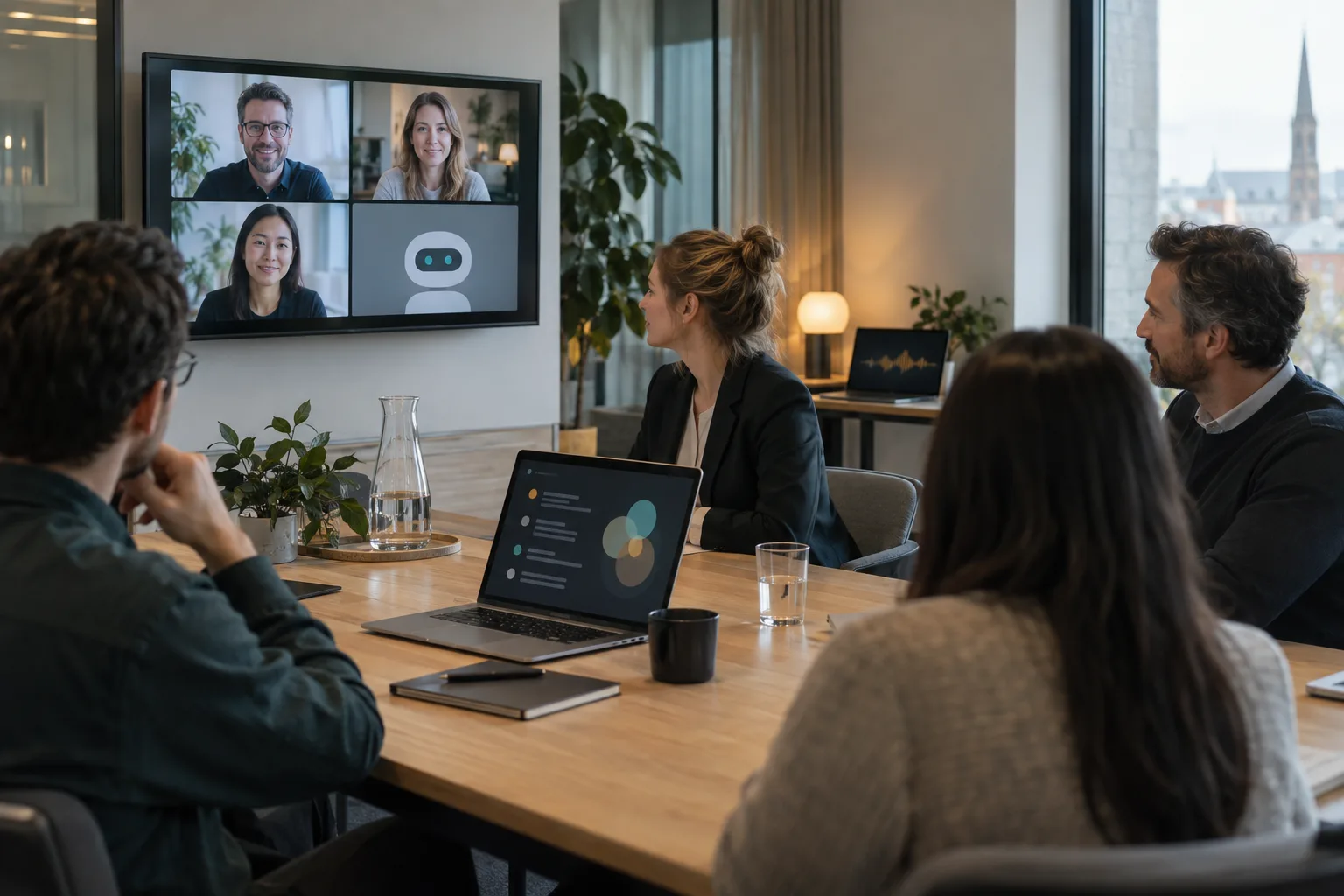
AI Bot, Platform AI, and Standalone Tools Compared
The term AI for meetings hides three fundamentally different approaches. A bot in the video call, the built-in AI of Microsoft Teams, Zoom, or Google Meet, and a standalone tool like Jexity Meet on your own computer differ more in data handling, acceptance, and platform lock-in than most comparison articles suggest.
15 min read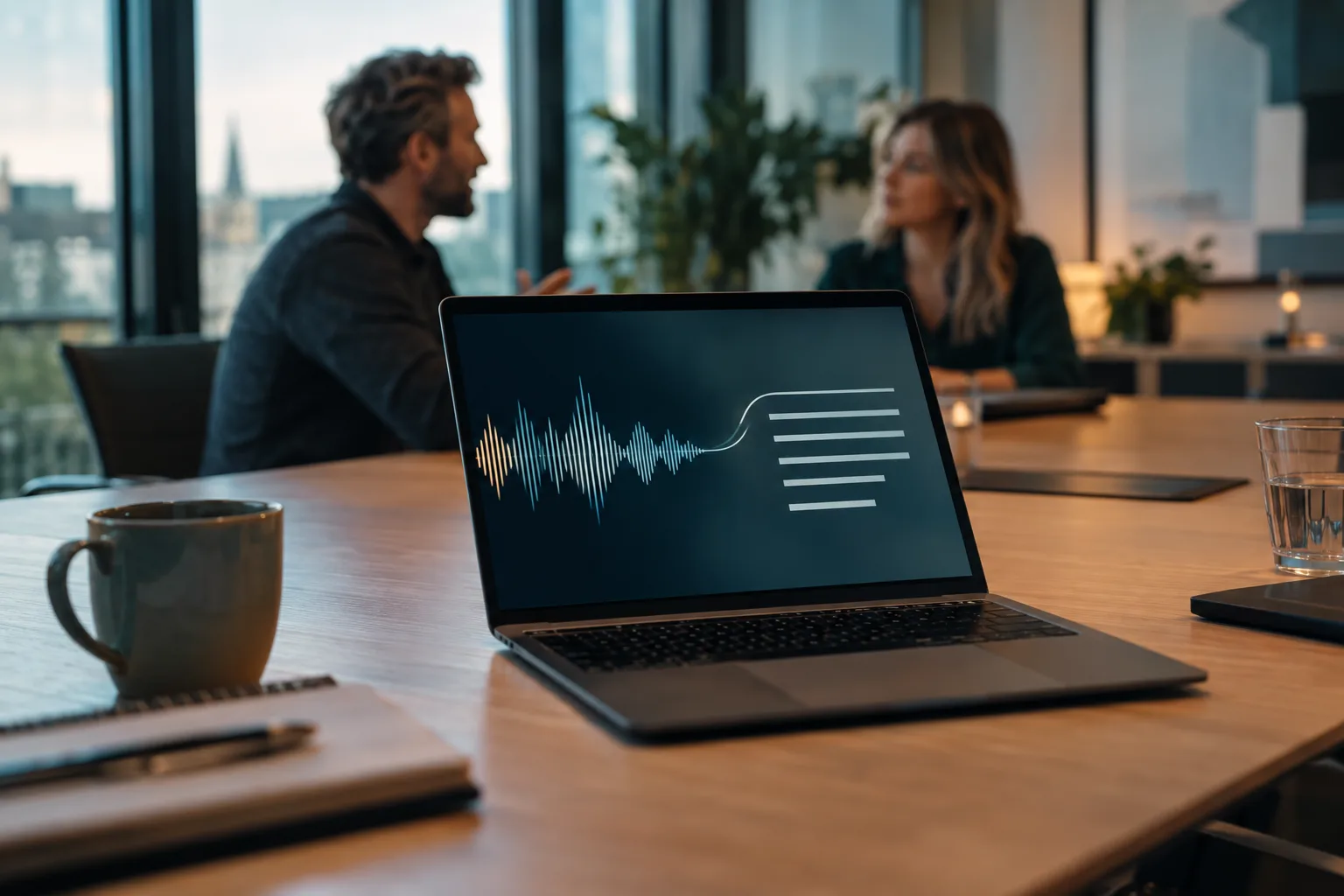
How a Conversation Becomes AI-Generated Meeting Minutes
Two minutes after the meeting ends, the minutes are in your inbox, even though nobody took notes. What happens in those two minutes decides which parts of the document you can trust. Five processing stages, their measured error rates, and the checks no model takes over.
12 min readTry it on your next meeting
Record or import one meeting and see the minutes it produces. No account and no credit card.