
Structured minutes
Summary, decisions and tasks appear structured in the minutes, not in one long block of text. In German or English.
Speakers separated automatically, with no participant count and no round of introductions.
Every line of the transcript carries its speaker, in the room and on the call. You set the names or let them be suggested.
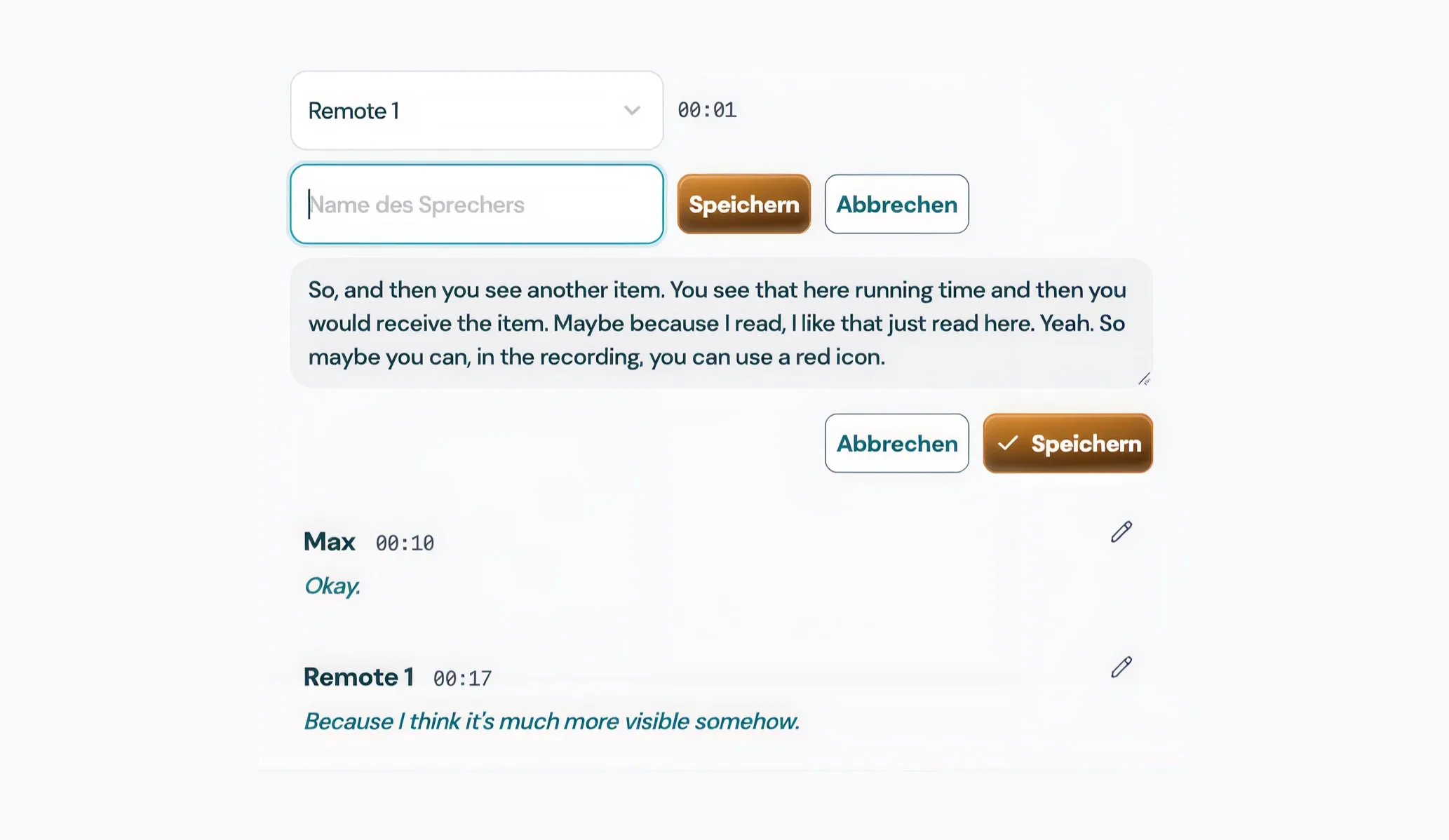
The number of speakers is determined from the recording. If you know it, pass it as a hint and re-run the separation.
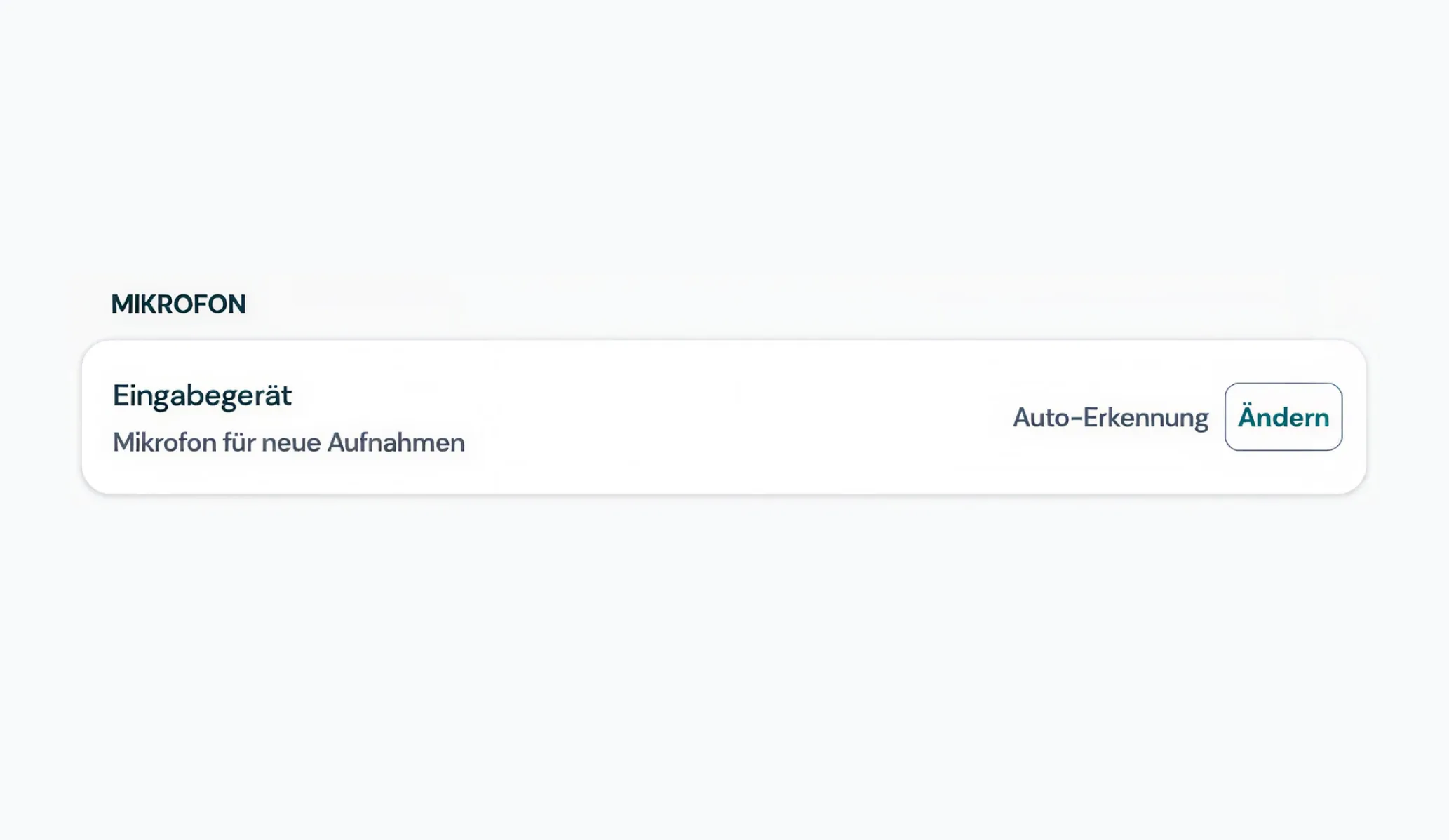
Separates speakers at the room microphone and in the system audio of the call, including hybrid meetings where both come together.
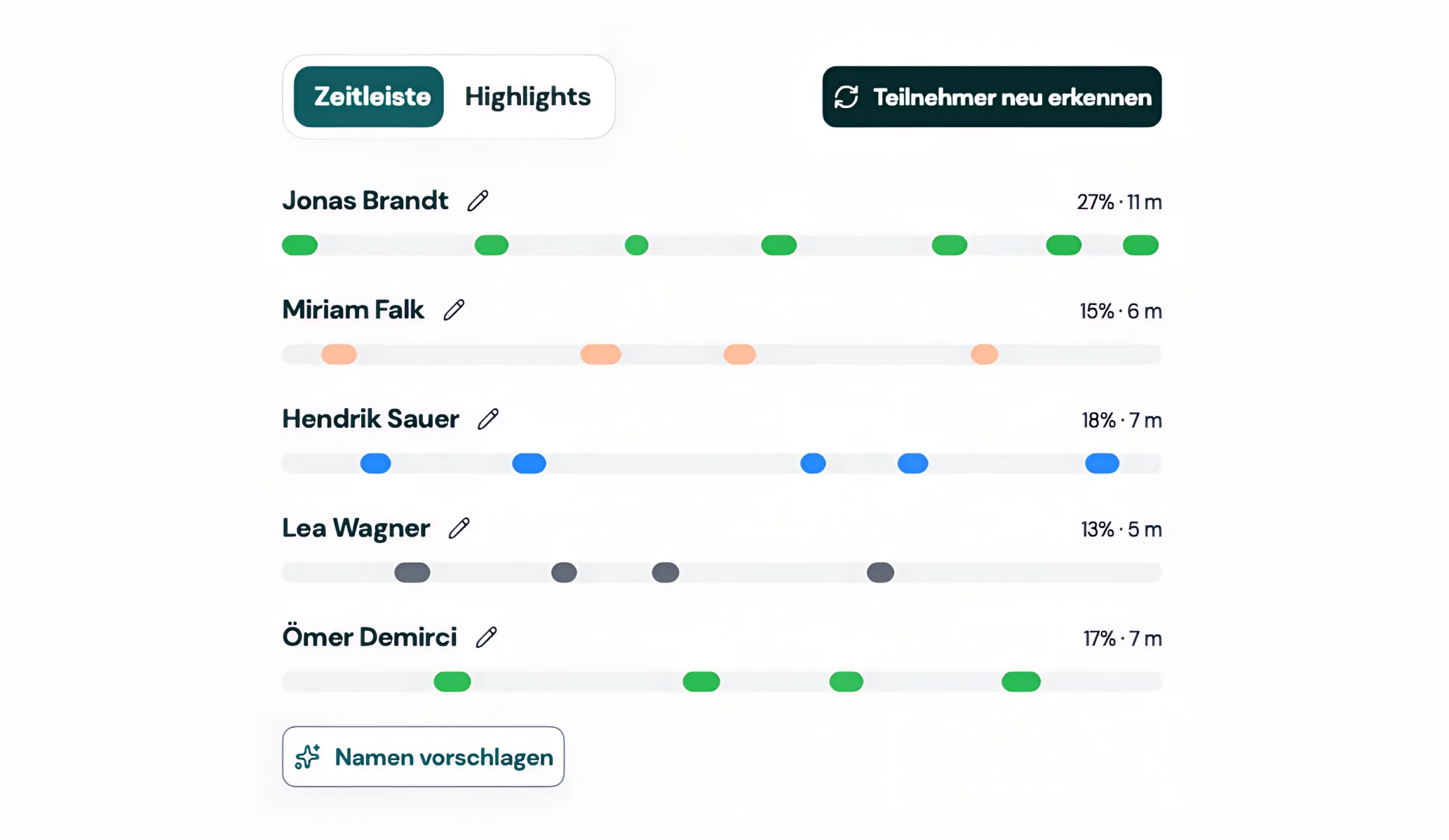
On request the local AI suggests speaker names from context, for example when someone is addressed by name.
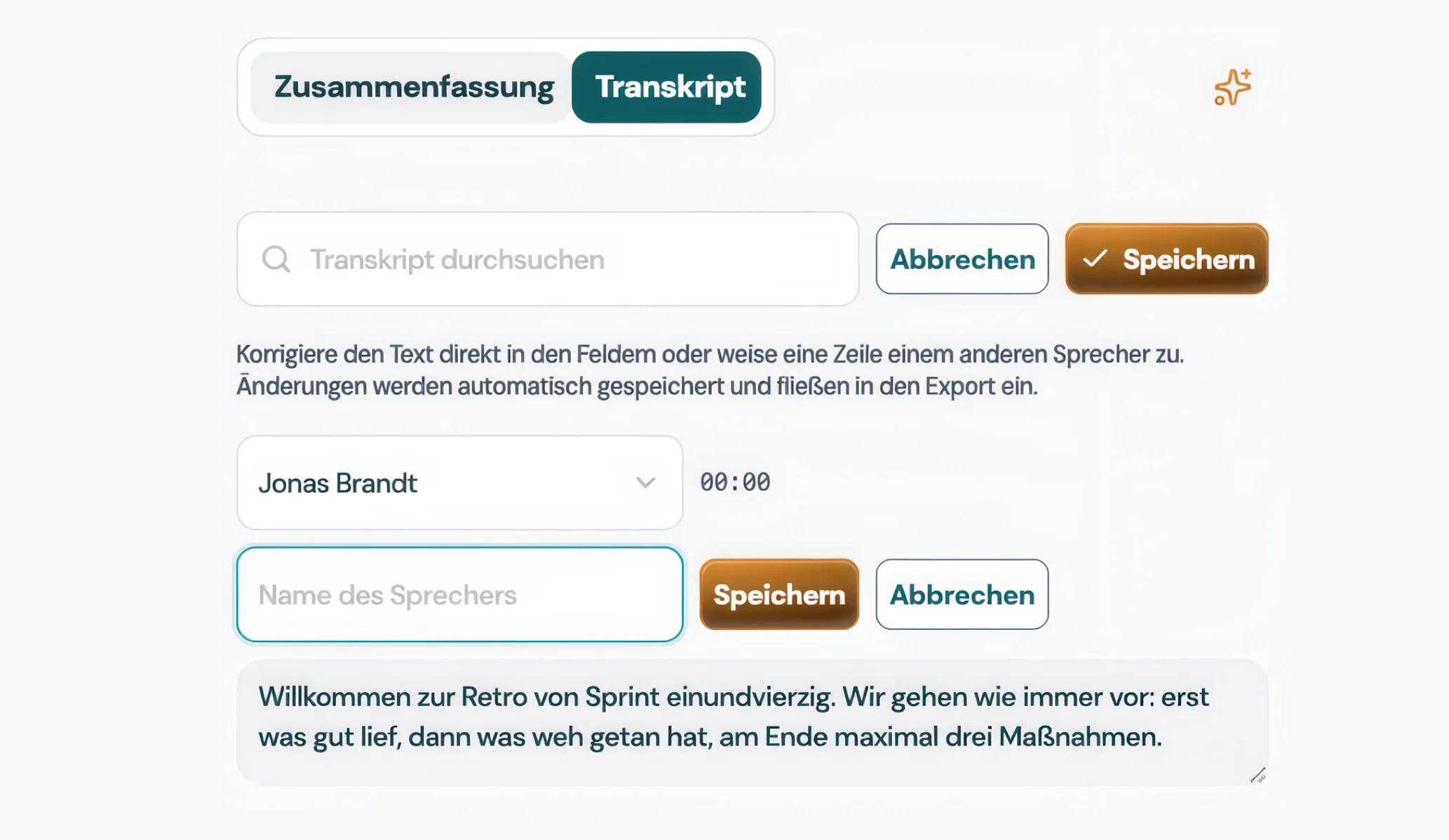
Rename speakers or reassign single lines to another speaker.
Consecutive contributions are split into speaker tracks locally.
Give each track a name or accept the AI's suggestion.
The names appear in the minutes, the tasks and every export.
Summary, decisions and tasks appear structured in the minutes, not in one long block of text. In German or English.
Jexity Meet detects shared screen content such as slides, figures and diagrams automatically. The images are added to the minutes.
Ask questions about a single meeting or your entire library, for example: "What did we decide about the budget?" The answer comes from your minutes, locally.
Record or import one meeting and see the minutes it produces. No account and no credit card.