

Visual minutes
Jexity Meet detects shared screen content such as slides, figures and diagrams automatically. The images are added to the minutes.
Decisions, tasks and open questions: sorted before you read them.
Instead of one long block of text, Jexity Meet returns minutes with a shape: what was decided, what someone has to do, and what is still open. Each item keeps a link to the moment it came from.
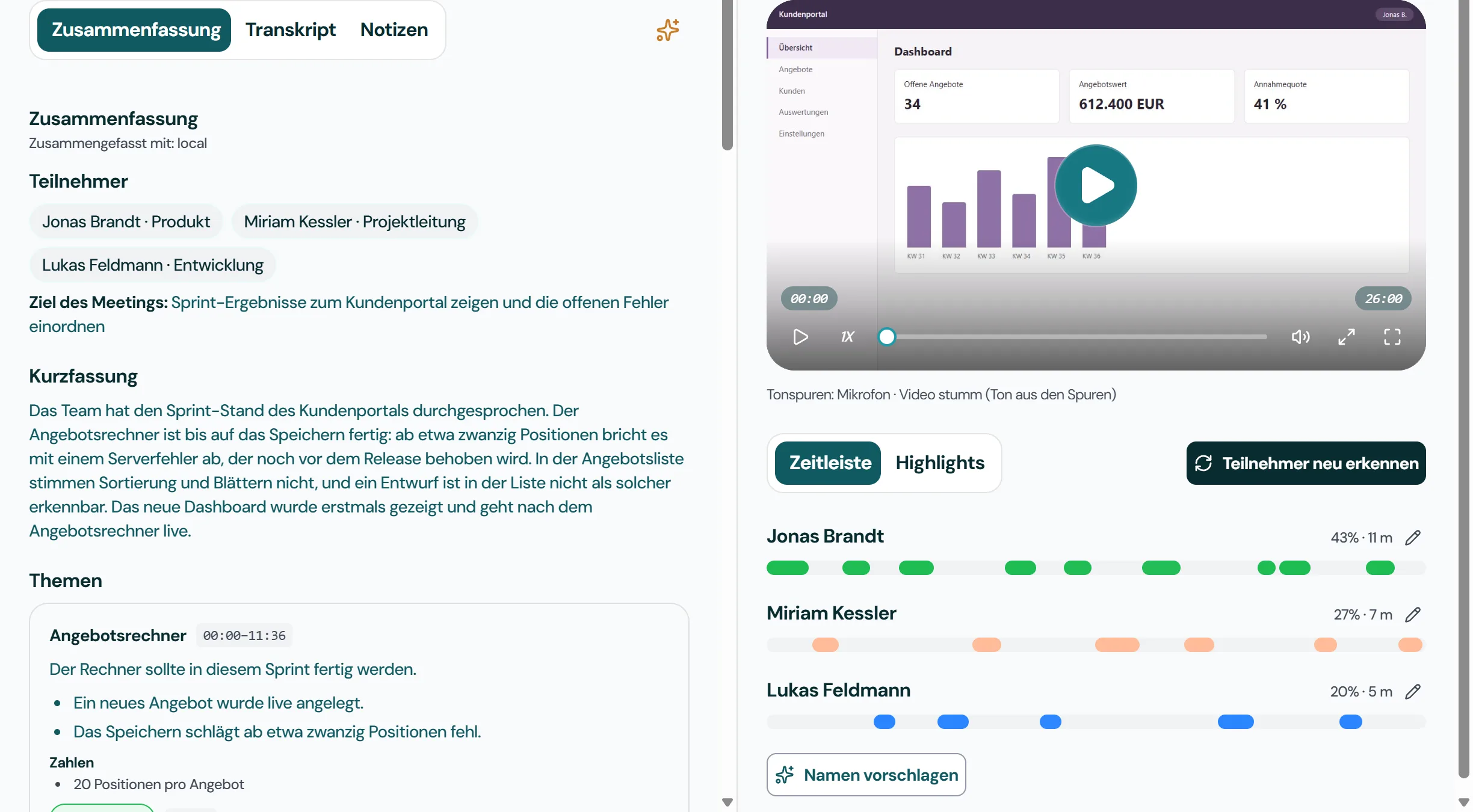
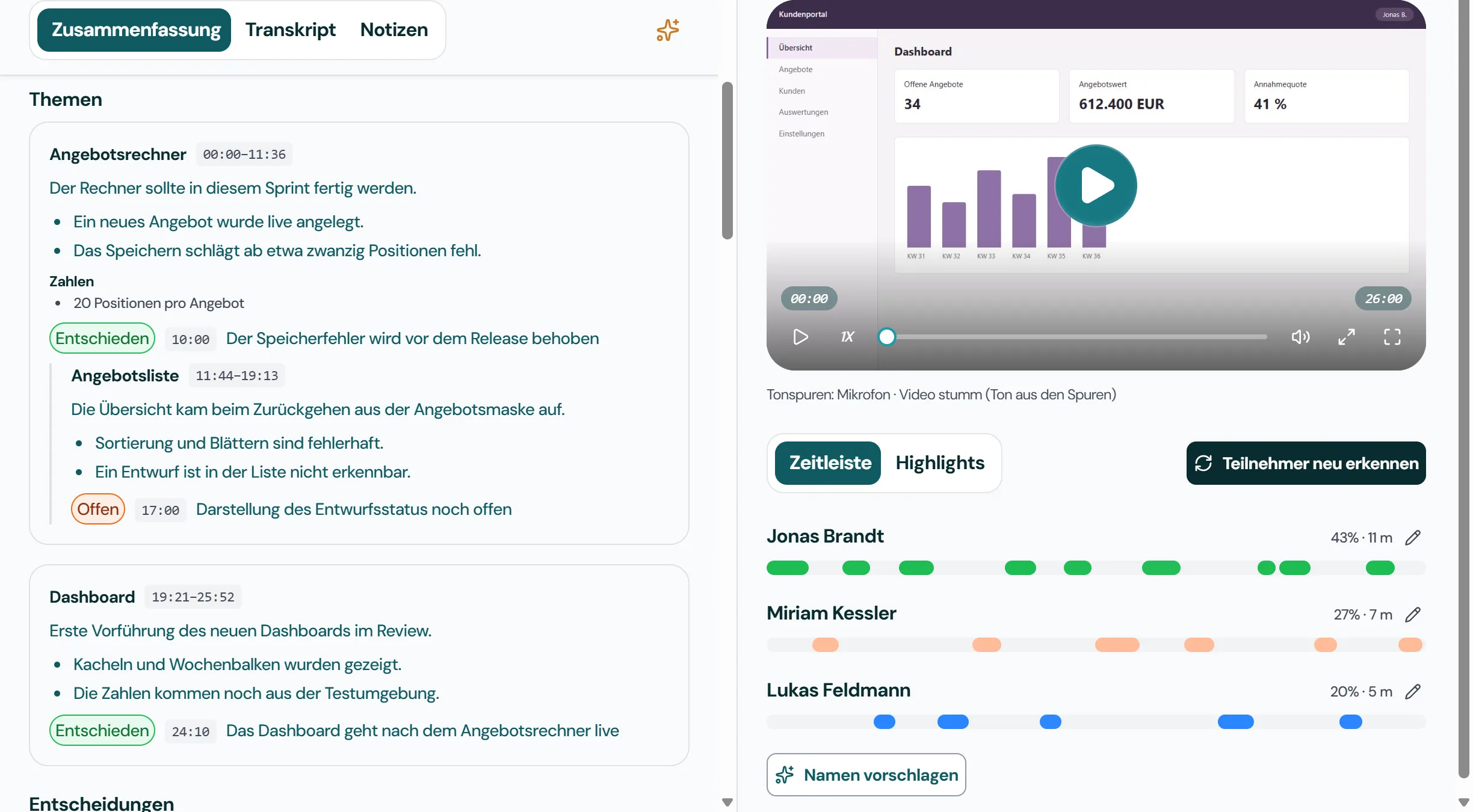
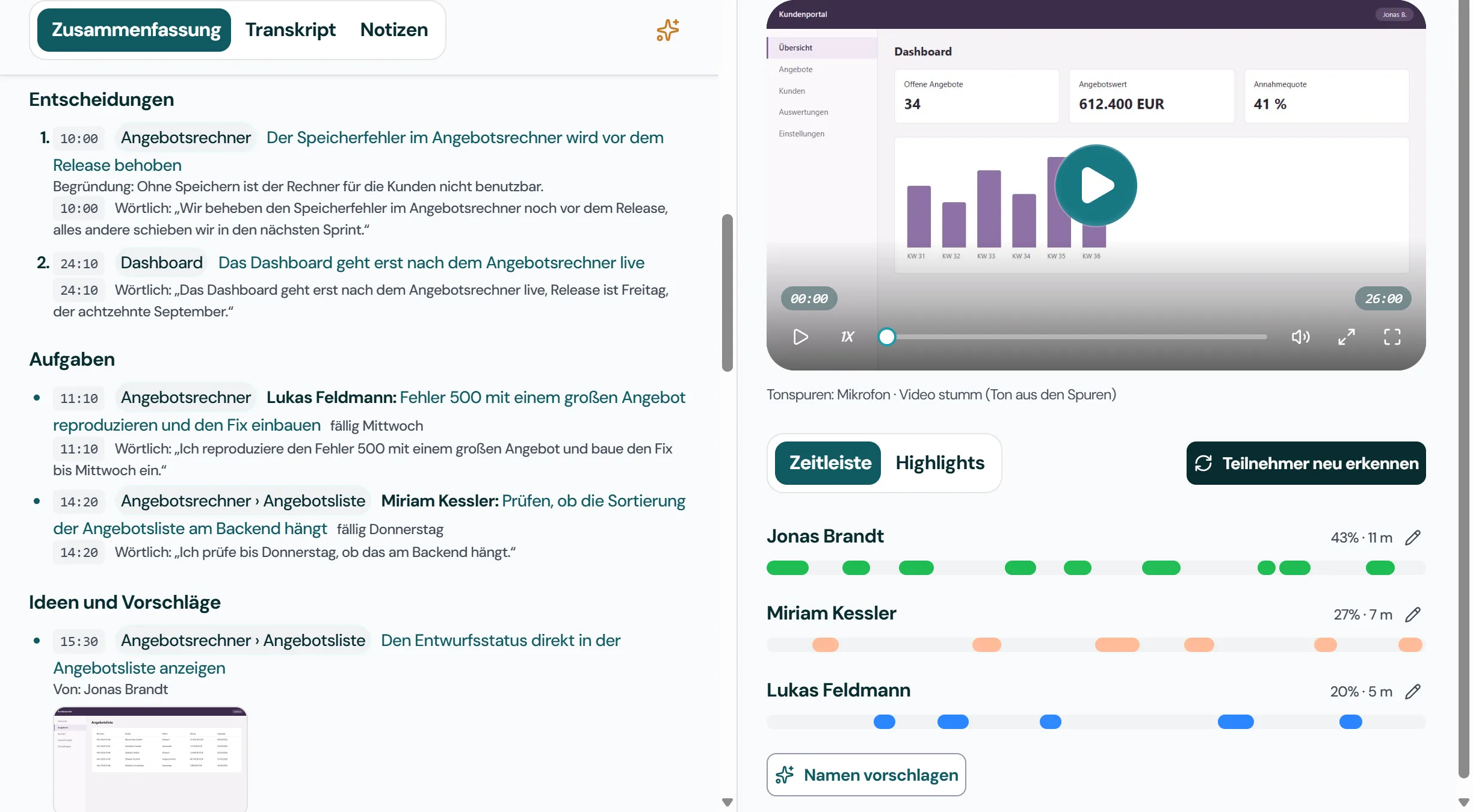
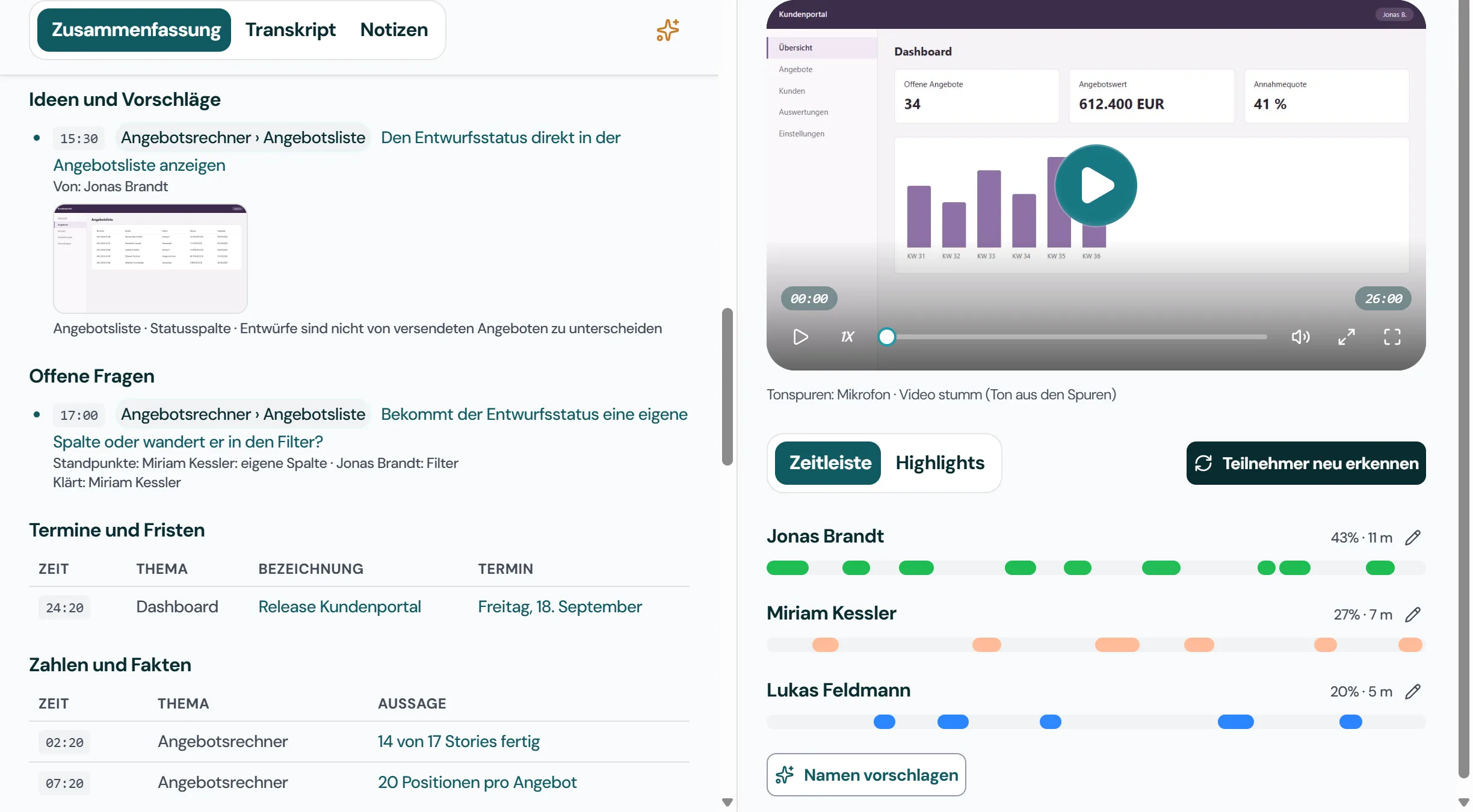
Show the sprint results for the customer portal and rank the open defects The team walked through the sprint status of the customer portal. The quote calculator is finished apart from saving: from about twenty line items on it aborts with a server error, which will be fixed before the release. In the quote list, sorting and paging are wrong, and a draft cannot be told apart from a sent quote. The new dashboard was shown for the first time and goes live after the quote calculator. Quote calculator: The saving error is fixed before the release Quote list: How the draft status is shown is still open Dashboard: The dashboard goes live after the quote calculator The saving error in the quote calculator is fixed before the release The dashboard goes live only after the quote calculator Lukas Feldmann: Reproduce error 500 with a large quote and build the fix Miriam Kessler: Check whether the quote list’s sorting is a backend problem Show the draft status directly in the quote list Does the draft status get a column of its own or does it move into the filter? Customer portal release: Friday, 18 September 14 of 17 stories done 20 line items per quote
Jexity Meet detects shared screen content such as slides, figures and diagrams automatically. The images are added to the minutes.
Ask questions about a single meeting or your entire library, for example: "What did we decide about the budget?" The answer comes from your minutes, locally.
Built-in echo cancellation separates your voice from the far end's speaker audio. Transcripts stay clean, even without a headset.
Record or import one meeting and see the minutes it produces. No account and no credit card.