
Recording Hybrid Meetings: How to Get Every Recording Right

On this page
- Why do so many recordings fail?
- Audio problems and duplicate signal sources
- Incomplete recordings and visibility gaps
- Three meeting formats and their differences
- Recording an in-person meeting
- Recording an online meeting
- Recording a hybrid meeting
- Which recording method works for all three formats?
- Platform-integrated recording
- AI-powered recording tools
- Screen recording and local recorders
- How do you record a meeting step by step?
- Before the meeting
- During the meeting
- After the meeting
- What do you need to consider for consent?
- When is consent required?
- What do you need to keep in mind?
- Frequently asked questions about recording hybrid meetings
- Sources
Recordings tend to fail for the same reasons every time. Muted microphones, missing consent, uneven audio quality between the room and remote attendees, or simply a forgotten record button. Depending on the format, whether it is an in-person meeting, an online meeting, or a hybrid session, different challenges come into play. A hybrid meeting in particular demands careful preparation, because it brings room audio and remote audio together. Here is how to set up consent and follow-up for all three formats so that every word comes through.
Why do so many recordings fail?
Because every format has different requirements that are often underestimated. According to a Jabra study, three in four people experience at least one technical problem in hybrid meetings (Jabra, 2026). 67% of employees have already given up trying to set up conference room video technology (Owl Labs, 2025).
Audio problems and duplicate signal sources
In an in-person meeting, a poorly positioned microphone is the most common cause of unusable recordings. In an online meeting, poor headsets or background noise cause quality problems. The hybrid meeting is the hardest case, because two completely different audio sources come together. 73% of participants report that they struggle to hear other people in a hybrid setting (Jabra, 2026). If the room microphone picks up the remote participants again from the room loudspeakers, you also get an echo loop.
Incomplete recordings and visibility gaps
In online meetings, participants often forget to start the recording or stop it by accident. In an in-person meeting, sometimes only audio gets recorded even though presentations should have been captured too. In a hybrid meeting, many teams only record the video conferencing side, and whatever is said in the room gets lost. 29% of remote participants cannot tell who is speaking in hybrid meetings (UC Today, 2025). On top of that, 50% feel overlooked or forgotten (Jabra, 2026).
Three meeting formats and their differences
Not every meeting format places the same demands on recording. 80% of companies in the German information economy already let their employees work from home (ZEW, 2025). All three formats are part of everyday work today, and each one calls for its own approach. Which format fits which occasion is covered by the comparison of in-person, remote, and hybrid formats.
Recording an in-person meeting
All participants are in the same room. The advantage is that only one audio source is needed and no network connection is required. The challenge lies in speaker recognition, because every voice comes from a single microphone signal. An AI has to separate the individual speakers out of the shared audio. A correct screen recording or camera recording is also important so that presentations and visual content are fully captured.
Recording an online meeting
Recording a pure online meeting is the most technically accessible option. Many video conferencing tools and AI recording solutions offer built-in or complementary recording functions. The big advantage is that every participant delivers their own, cleanly separated audio channel, so speaker recognition works reliably. The challenge is more about choosing the right recording method, whether through the platform itself or an AI solution. Follow-up work differs massively depending on the chosen method, ranging from a finished summary with action items to manually editing a raw file.
Recording a hybrid meeting
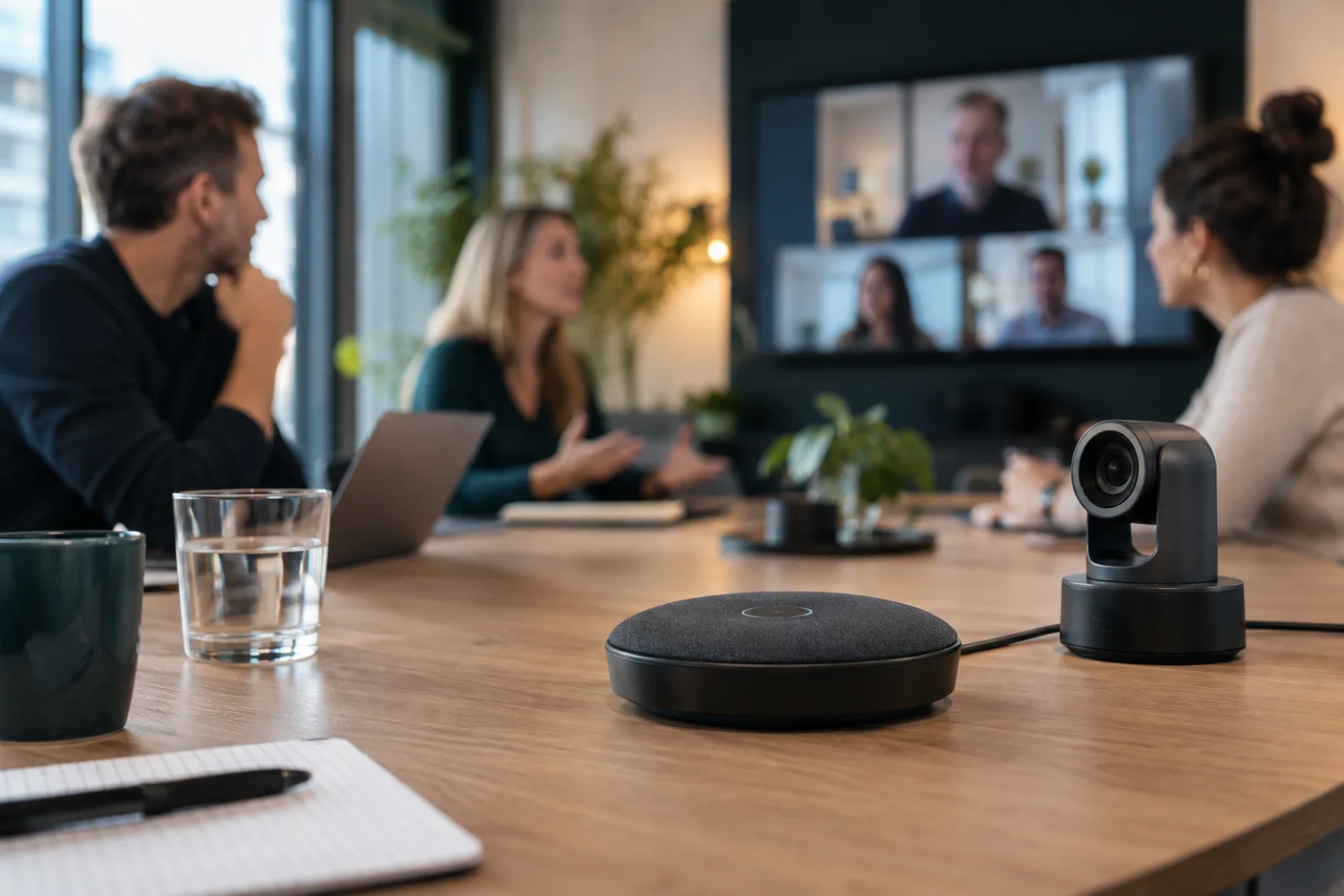
The hybrid meeting combines the challenges of both formats. From the in-person meeting, it inherits dependence on room acoustics and a shared microphone signal. From the online meeting, it inherits dependence on a stable network connection and software. On top of that comes a problem neither individual format has. Two separate audio streams, a room microphone for the in-person participants and individual channels for the remote participants, have to be merged. Consolidating and carrying forward information is hardest with the hybrid format, because content from two separate sources has to be brought together.
| Criterion | In-person meeting | Online meeting | Hybrid meeting |
|---|---|---|---|
| Audio channels | 1 shared | individual per person | mixed |
| Consent process | active consent, documented | active consent, plus platform notice | both needed |
| Platform recording possible | no | yes | remote side only |
| Speaker recognition | difficult | reliable | limited |
| Technical complexity | low | low | high |
Which recording method works for all three formats?
Most recording methods are optimized for one specific format. A detailed tool comparison is available in the article Meeting Recording Software Compared. Current systems reach 90-97% accuracy in speaker recognition with 2-4 speakers and clean audio (VexaScribe, 2026). 84% of professionals also change what they say when an AI tool is running, according to a survey by vendor Fellow (2025).
Platform-integrated recording
Many video conferencing tools offer a built-in recording function. For online meetings this works reliably, because every participant delivers a separate audio channel and speaker assignment happens automatically. For an in-person meeting this method does not help, because no video call is running. In a hybrid meeting, only the remote side gets recorded; whatever is said in the room only comes through via the fed-in microphone signal. The advantage is that no additional software is needed. The disadvantages are that you are tied to a specific platform, the recording is usually stored in the provider's cloud, and this method does not suit in-person meetings.
AI-powered recording tools
AI solutions record via the computer's system audio and automatically deliver transcripts with speaker assignment, summaries, action items, and further features such as topic detection or sentiment analysis. This works for all three formats, because the recording runs independently of the video conferencing software used. Hybrid sessions in particular benefit from this, because no separate setup is needed for the room and for remote participants. The advantage is the low amount of follow-up work. What matters is whether the solution processes in the cloud or locally. 50% of non-users cite privacy as the main reason against cloud-based AI meeting tools (Fellow, 2025). Local solutions like Jexity Meet process everything on the device by default, without data leaving the computer.
Screen recording and local recorders
Operating systems such as macOS and Windows offer built-in screen recording functions. Tools like OBS also enable free recordings. This method works for all three formats and is entirely local: no data leaves the computer. The downside is that you only get a raw file. You then have to transcribe, assign speakers, and summarize manually or with separate tools. For teams that just need an archive of the meeting, that can be enough.
| Criterion | Platform recording | AI tool | Screen recording |
|---|---|---|---|
| In-person meeting | no | yes | yes |
| Online meeting | yes | yes | yes |
| Hybrid meeting | remote only | yes | yes |
| Automatic transcription | limited | yes | no |
| Speaker recognition | good for online | depends on the tool | no |
| Data privacy | cloud | cloud or local | local |
| Cost | included in subscription | additional license | free |
How do you record a meeting step by step?
With a structured process of preparation, execution, and follow-up. Technical problems cost an average of 11 minutes per hybrid meeting (Jabra, 2026). Even in purely online or in-person meetings, a quick check before you start saves valuable time.
Before the meeting
Test your microphone, camera, and recording software. For in-person and hybrid meetings, check whether the room microphone covers every seat by having someone speak from the farthest position. Get consent from everyone in the room. Hybrid sessions require the most thorough pre-check, because both the room technology and the video conferencing connection have to work. If you are recording an online meeting, get consent in advance as well, and the platform will additionally show the recording notice automatically.
During the meeting
After a quick check at the start to confirm the recording is running and the audio level is right, there is little to do during the meeting itself. The recording software runs in the background. The only recommendation is to occasionally check that the recording is still active, especially in longer meetings. If it is a hybrid meeting, it is worth also taking a quick look at whether the remote participants are being fed in correctly.
After the meeting
This is where things differ a lot depending on the recording software. AI-powered tools like Jexity Meet deliver a finished transcript directly, complete with speaker assignment, a summary, and tasks. Some providers add further features such as topic detection or automatic distribution. With simpler recording tools, you get a raw file that you have to transcribe, edit, and prepare yourself. 47% of all discussed action items are never documented (KenzNote, 2026), often because the follow-up work is too time-consuming. The choice of software therefore largely determines how much work is left after the meeting.
What do you need to consider for consent?
Consent is required for all three meeting formats. Between 2021 and 2025, GDPR fines totaling 6.5 billion euros were issued across Europe (CMS/Alpeinsoft, 2025). Regardless of the format, every consent must meet three requirements under the GDPR. It must be given freely, without pressure or disadvantages for refusing. It must be informed, clearly stating what is being recorded and why. And it must be documented, so it can be proven later (Datenschutzkanzlei). Recording in secret is generally not permitted. The legal details are covered in the article on recording meetings under GDPR.
When is consent required?
Always. Whether it is an in-person meeting, an online call, or a hybrid session, every participant must be informed and must have agreed before the recording starts; for employees this can also rest on a policy agreed in advance (see below). The reason lies in the GDPR and in criminal law. Section 201 of the German Criminal Code makes the unauthorized recording of non-public spoken word a criminal offense. Consent protects the participants and equally protects the recording company from legal consequences.
What do you need to keep in mind?
For employees, you can regulate meeting recording through a works agreement or a separate, voluntary consent declaration. That settles consent until it is revoked, so it does not need to be obtained again before every meeting. For customers, external partners, or job applicants, it is different. Here you have to obtain new, individual consent before every recording, because there is no contractual basis that covers this in general. If a hybrid meeting includes external guests, this applies equally to external participants in the room and external remote participants.
Frequently asked questions about recording hybrid meetings
Am I allowed to record a meeting without the participants' consent?
No. Under Section 201 of the German Criminal Code, unauthorized recording of non-public spoken word is a criminal offense, punishable by up to three years in prison. In addition, the GDPR requires a legal basis for processing personal data. Always get consent from every participant before you hit record, whether the meeting is in-person, online, or hybrid.
Which recording method suits in-person, online, and hybrid meetings equally well?
AI-powered desktop apps that record via system audio work for all three formats. They are platform-independent and, depending on the provider, process locally or in the cloud. If you only need to record an online meeting, platform recording is enough. Screen recordings only deliver a raw file without automatic transcription, regardless of the format.
Can AI transcription reliably recognize speakers?
With 2-4 speakers and clean audio, current systems reach 90-97% accuracy (VexaScribe, 2026). In online meetings with individual audio channels, assignment works best. With a large number of participants, speaker accuracy can drop by a few percentage points. In in-person and hybrid settings with a shared room microphone, this effect is amplified further.
What sets the three meeting formats apart when it comes to recording?
When recording an online meeting, every participant delivers their own audio channel, and the platform additionally displays a recording notice. An in-person meeting requires a room microphone. You need active, documented consent in both cases. The hybrid meeting is the most demanding, because it combines both processes and has to merge two separate audio streams into one usable recording.
Sources(11)
- finance.yahoo.comJabra: $130 Million in Lost Productivity Due to Bad Meetings (2026)
- digitalreviews.netJabra: Bad Meetings Cost Businesses Millions, Study Reveals Hidden Productivity Crisis (2026)
- uctoday.comUC Today: Workplace Audio Technology is the Real Reason Hybrid Work Feels Unbalanced (2025)
- fellow.aiFellow: The State of AI Meeting Notetakers 2025 (2025)
- vexascribe.comVexaScribe: Best Speaker Diarization Tools in 2026 (2026)
- kenznote.comKenzNote: Meeting Productivity Statistics 2026 (2026)
- alpeinsoft.deCMS/Alpeinsoft: GDPR Fines Since 2018, What the Numbers Really Show (2025)
- zew.deZEW: Few Companies Are Planning to Send Employees Back to the Office (2025)
- owllabs.comOwl Labs: State of Hybrid Work 2025 (2025)
- datenschutzkanzlei.deDatenschutzkanzlei: Is Recording a Video Conference Permitted? (2021)
- gesetze-im-internet.deSection 201 StGB: Violation of the Confidentiality of the Spoken Word (statute text)
This article was created with AI assistance and editorially reviewed. Images are AI-generated.
Keep reading
Recording Conversations at Work: A Complete Guide
31 hours a month lost in unproductive meetings, and without documentation, 70% of decisions are forgotten within 24 hours. Learn how to record conversations legally, transcribe them and turn them into minutes.
14 min read
Can I Record a Meeting? GDPR and Criminal Law Explained
Anyone recording a meeting must follow GDPR and criminal law at the same time. This article explains the rules both laws set for recordings, shows the most common mistakes, and how to make recordings legally sound.
12 min read
Meeting Recording: Store It Locally or in the Cloud?
Cloud Act versus GDPR, Zoom servers versus a local hard drive. Where your meeting recording is truly safe depends on more than just price. This comparison shows the risks of both storage locations and helps you decide.
14 min readTry it on your next meeting
Record or import one meeting and see the minutes it produces. No account and no credit card.